93010350.EN_A_Junior 4.0 User
Manual_240828_v1.0 - VVVF
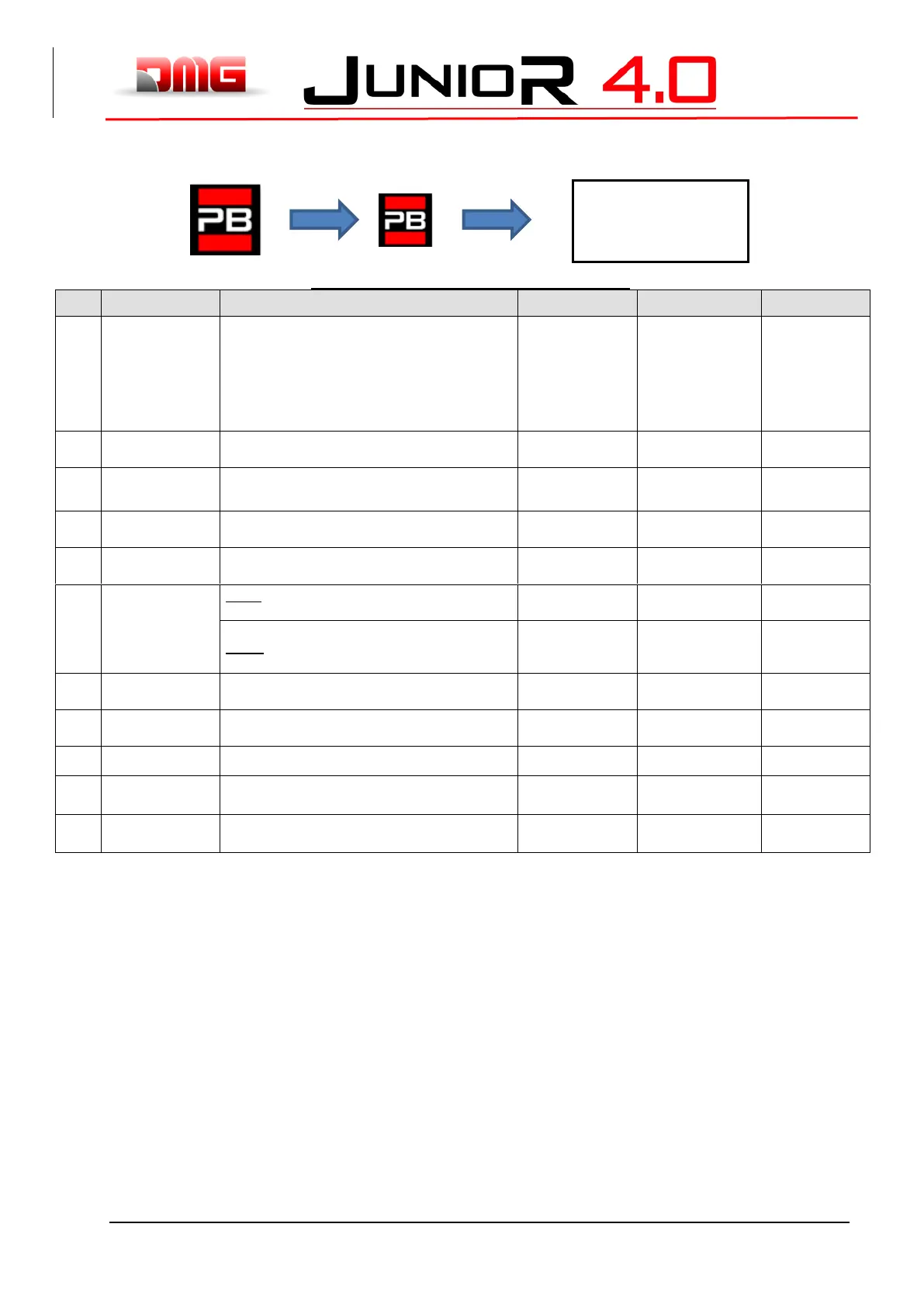
5.9 “System Positioning” Menu
Table of Parameters (FAI / FAS positioning system)
Type of positioning system: with Encoder or
traditional. Can only be modified in Temporary
Oper. Mode
Note: in case of absolute Encoder and shaft lengths
longer than 65 meters change the resolution of
Encoder = 2 in autosetting menu before starts the
Manual teach procedure.
FAI/FAS;
Encoder Clockwise;
Encoder Counter
clockwise
Encoder ELGO
Position of the deceleration (passage in Low
Speed) and number of entrances
Position of the specific deceleration for each floor
Short floor or 2<->6
0 <-> No. Floor
Time before short level deceleration (only if a short
level is programmed)
Delay before passage to Intermediate speed
VVVF: Delay between activation of travel direction
and run command (BRK)
0,5 s - VVVF
0,0 s - Others
0,5 s – VVVF
0,5 s – Star/Delta
0,0 s - Others
Delay between activation of BRK command and
speed command
Delay between deactivation of run command and
deactivation of travel direction (arrive al piano)
1,5 s - VVVF
0,0 s - Others
Sets the speed of travel in inspection
Emergency break modulation parameter (modify
only if EME board is not present)
Emergency break modulation parameter (modify
only if EME board is not present)



 To Next Page