Operation Section
55
Setting the region
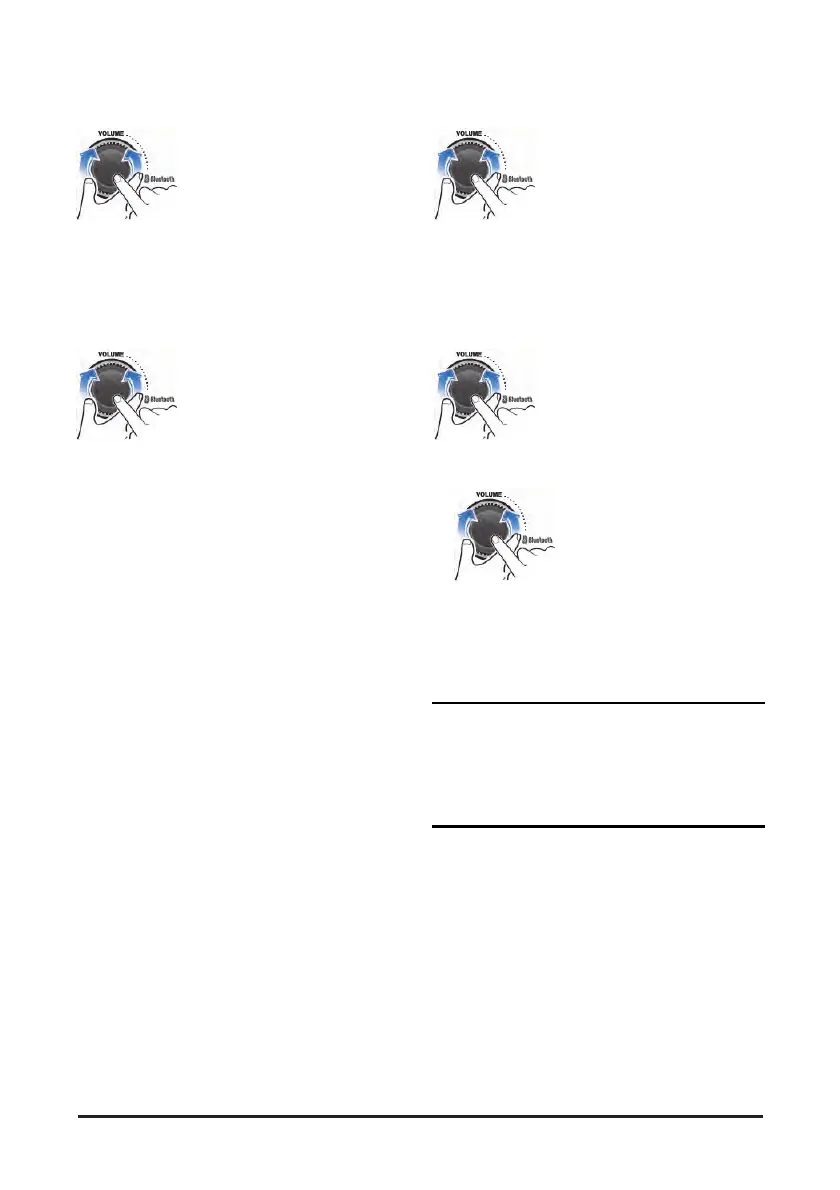
1. During the System settings mode, turn the
VOLUME dial to select the "AREA" as below,
then press this dial;
BT ON/OFF ↔ AREA ↔ SCROLL ↔
LOUDNESS ↔ BEEP ↔ SOFTWARE ↔
PREVIOUS
• AREA: sets the region for radio or DAB
2. Turn the VOLUME dial to select the desired area
as below, then press this dial.
• EUROPE
FM: 87.5 ~ 108.0 MHz (50 kHz step)
AM: 522 ~ 1,629 kHz (9 kHz step) DAB: BAND III
• ASIA
FM: 87.5 ~ 108.0 MHz (100 kHz step)
AM: 531 ~ 1,602 kHz (9 kHz step)
• EUROPE
FM: 87.5 ~ 108.0 MHz (50 kHz step)
AM: 522 ~ 1,629 kHz (9 kHz step) DAB: BAND III
• NORTH AMERICA (option)
FM: 87.7 ~ 107.9 MHz (200 kHz step)
AM: 530 ~ 1,710 kHz (10 kHz step)
• SOUTH AMERICA (option)
FM: 87.5 ~ 108.0 MHz (100 kHz step)
AM: 530 ~ 1,710 kHz (10 kHz step)
• If the region setting is not selected correctly to
your country or region, the radio reception can
not be received. Retry the setting the region of
radio reception correctly.
• The region setting is required only for the first
time.
• The DAB broadcasting is only supported Europe
region.
Checking/updating the system
1. During the System settings mode, turn the
VOLUME dial to select the "SOFTWARE" as
below, then press this dial;
BT ON/OFF ↔ AREA ↔ SCROLL ↔
LOUDNESS ↔ BEEP ↔ SOFTWARE ↔
PREVIOUS
• SOFTWARE: check/update the system software.
2. To update the system software, turn the
VOLUME dial to select the "UPDATE", then
press this dial.
To update the system software, turn the
VOLUME dial to select the "UPDATE", then
press this dial.
Download the latest system software to a USB
device for update to this unit, then open the
cover and plug the USB device to the USB port.
CAUTION
• Perform update with the start switch “ON” when the
battery is sufficiently charged by driving the
vehicle. When the battery is discharged while
updating, the system may get damaged with the
update stopped


 To Next Page