Operation Section
62
Change the playback mode
2
RPT
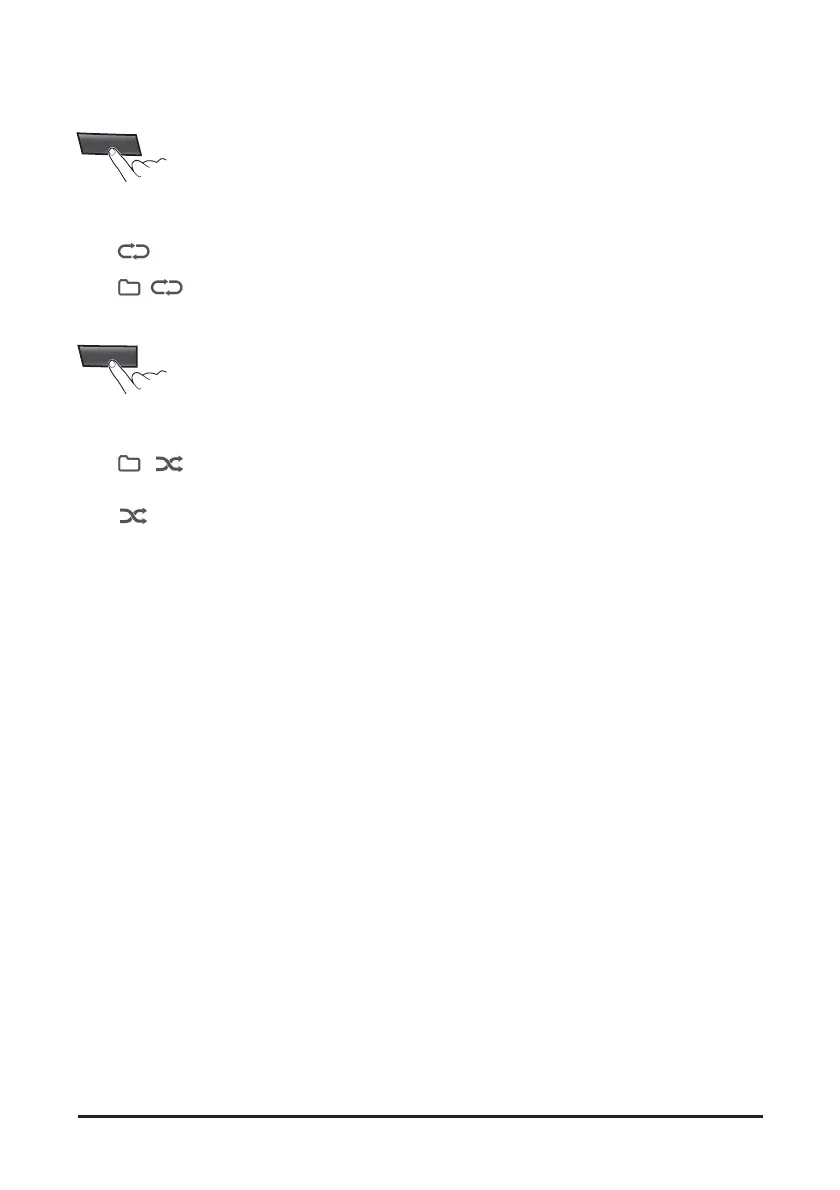
1. Press the [2 RPT] button to select the Repeat
playback mode
•
: The current file plays repeatedly.
•
, : The current folder plays repeatedly.
• Off: Cancels repeat playback.
3
RDM
2. Press the [3 RDM] button to select the Random
playback mode.
•
, : All files of current folder play in
random order.
•
: All files of USB device play in random
order.
• Off: Cancels random playback.



 To Next Page