Operation Section
65
Controlling the playback
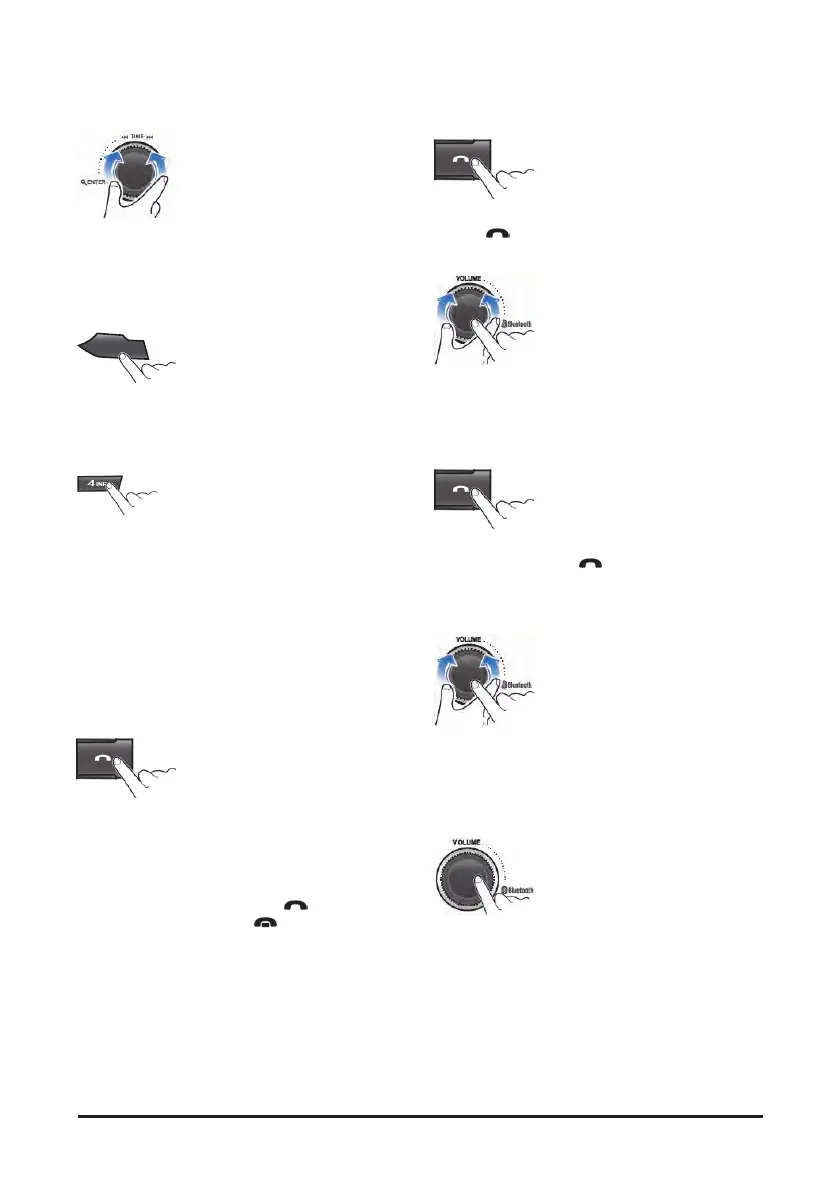
1. While playing, turn the ▶▶I TRACK I◀◀ dial
to moves to the previous or next track.
• Clockwise: move to the next file
Counter-clockwise: move to beginning of the
current file or previous file.
1
II
2. While playing, press the [1 II] button to pause the
track with "PAUSE" indicator.
• Press this button again to play the current track.
3. Press the [4 INFO] button to check the
information of current connected device.
• About the music files are not displayed.
• During Bluetooth music playback, do not
operate the music changes too quickly. Allow
enough time for the machine-to-machine
communication.
Answering a call
When a call comes in, the audio source is muted, and
display the call information with ring tone.
If the phonebook is not downloaded, incoming phone
numbers are displayed without caller information.
1. To answer a call, press the
(Call) button or
to reject a call press the
(End)button.
• When a call comes in, the audio source is
muted.
• When a call is ended, this unit returns to the
previous state media playback.
Making a call by recentry
1. To call the recentry connected number, press
the
(Call) button to display recent call
number.
• The recent calls list is displayed.
Turn the VOLUME dial to select a recent call
number, then press this dial to make a call
• The recent calls list displays up to 10.
2. To call the last connected number directly,
press and hold the
(Call) button.
During a call...
1. To adjust the a call volume, turn the VOLUME
dial.
• The call volume works with Bluetooth devices,
and operates separately from the volume of
this unit.
2. To deactivate the microphone, press the and
hold MUTE button.
• To reactivate the microphone, press MUTE
button.



 To Next Page