Operation Section
56
Radio
Tuning in a radio station
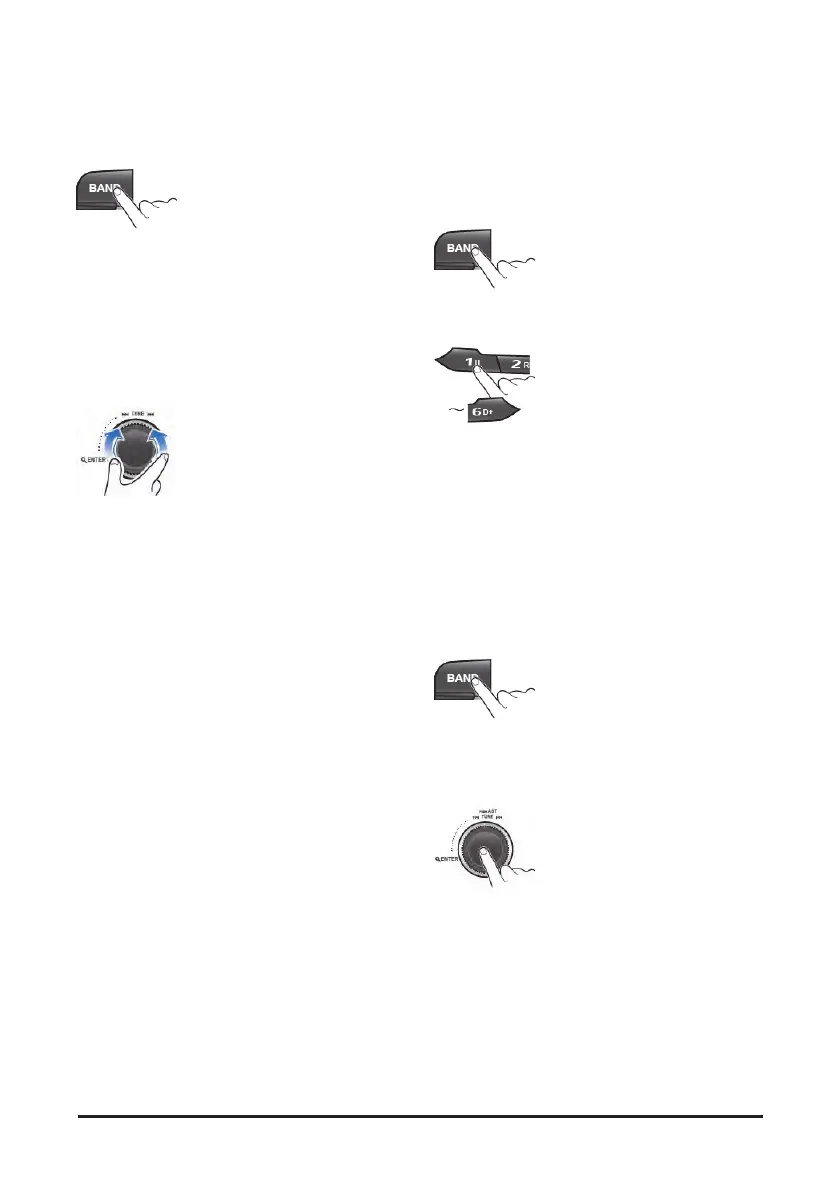
1. Press the BAND button repeatedly to enter the
radio band in order of FM1, FM2, FMA, AM1,
AM2 or AMA.
• You can select the FM1, FM2, FMA or AM1, AM2,
radio band.
• While the Auto Store stations are stored, you can
select the AMA or FMA band by additional.
• The previously chosen broadcasting station will
be received.
2. Turn the ▶▶I TUNE I◀◀ dial to select the
station.
• Briefly turn this dial, plays previous/next
frequency.
• Turn and hold this dial, automatically search for
station with superior reception.
• Press this dial, starting from the current station,
stations with superior reception are scanned for 5
seconds and the previous station is restored.
During the seeking or scanning, if press or turn
the dial left/right again, the selected station will
begin playing.
• During the FM reception, the Stereo [ST]
indicator is on.
Saving radio stations manually
You can save up to 6 preset channels each for
FM1, FM2, AM1 and AM2 band.
If change the stations while driving, use preset
button to prevent accidents
1. Press the BAND button repeatedly to select the
band.
2. After selecting the frequency, press and hold the
PRESET [1II] ~ [6 D+] button.
• The frequency is saved to the selected preset
button.
• A total of 24 frequencies with 6 preset
frequencies each for FM1/FM2/AM1/AM2 modes
can be saved
Saving radio stations automatically
You can save up to 6 preset channels
automatically each for FMA and AMA band.
1. Press the BAND button repeatedly to select the
band.
• The previously chosen broadcasting station will
be received.
2. Press and hold the AST button to automatically
save receivable frequencies to Preset button.
• Up to 6 stations can be stored in each of the
FMA and AMA band.


 To Next Page