Drobo 5D3 User Guide 36
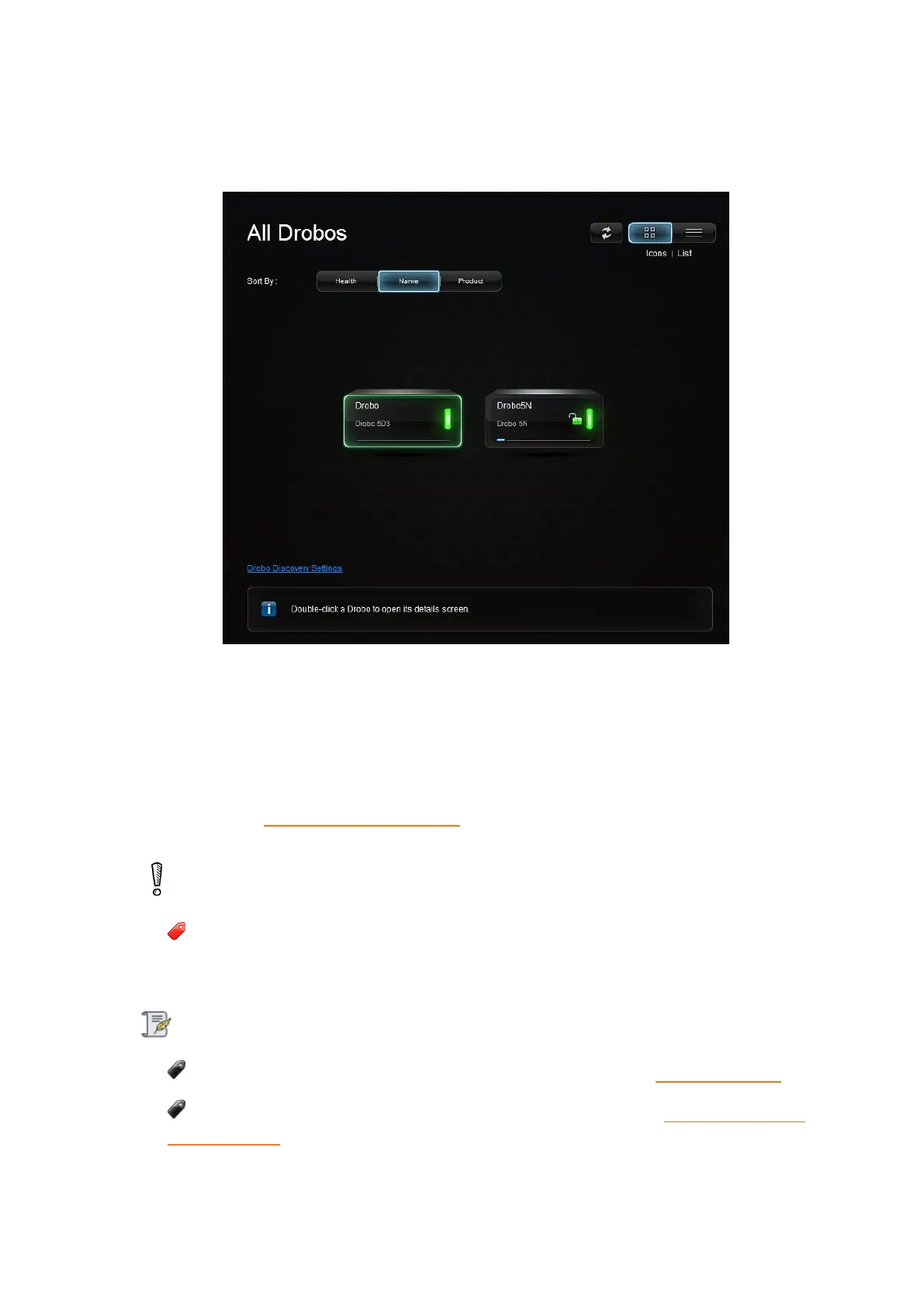
device icon in the main dashboard screen and follow the on-screen instructions on the
Drobo Dashboard to format your Drobo device.
9. If the red drive lights are seen again (e.g. "Unknown Disk Set"), please go to the
Drobo Dashboard's Tools section and choose Drobo Reset. This process will erase all the
data on the disk set. If the issue still continues, please contact support. For more
information see Getting Technical Support.
Warning:
This procedure will erase all data from all drives and return your Drobo 5D3 to
default settings.
Note:
You can also visit the following website for more information drobo.com/start
If you need to assess that the process is moving smoothly, see Understanding the
indicator lights (LEDs).



 To Next Page