Drobo 5D3 User Guide 48
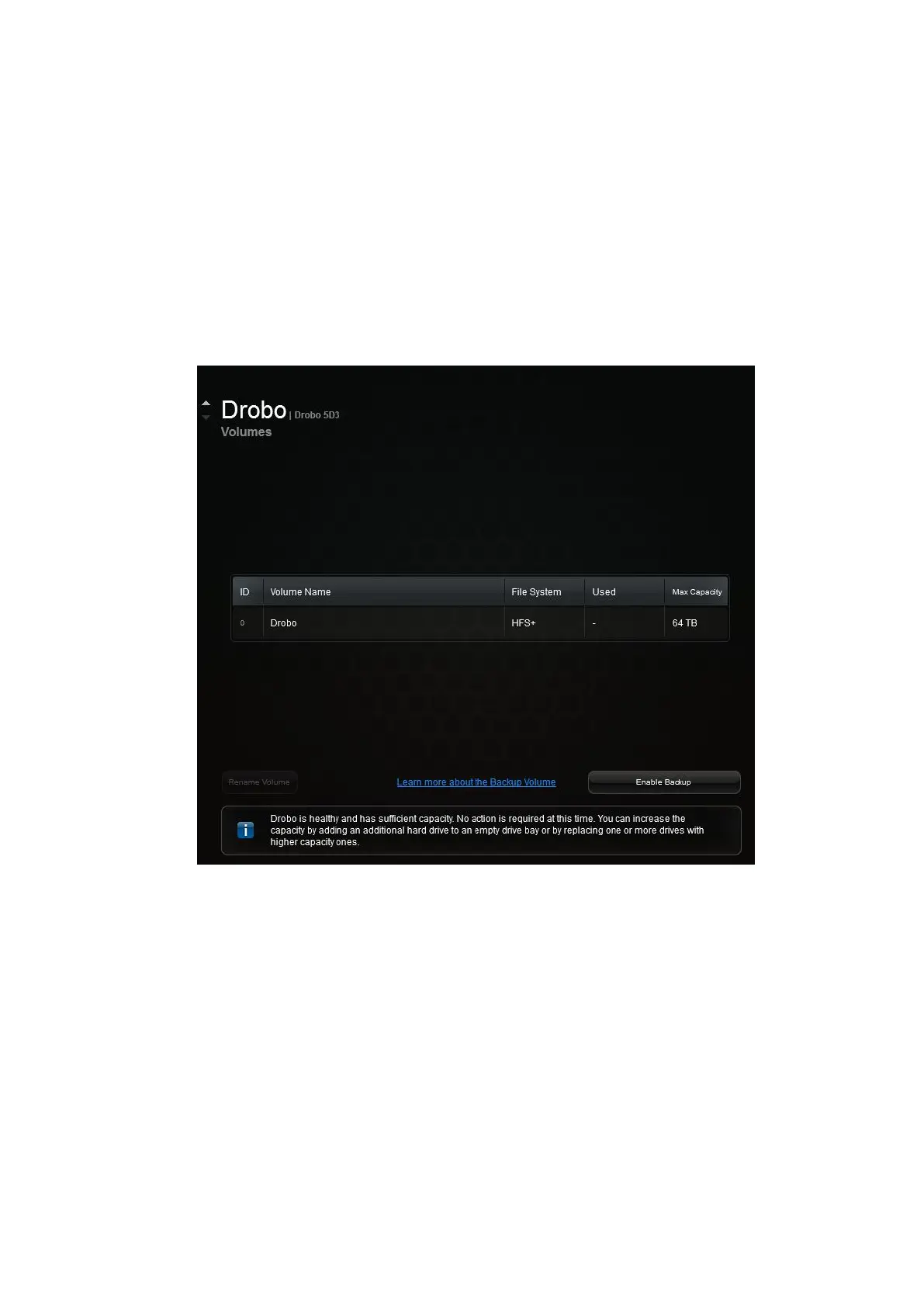
1. Open the Drobo Dashboard and wait for your Drobo 5D3 to appear in the All
Drobos page.
2. Double-click the image of your Drobo 5D3.
3. Then, click Volumes from the menu. Volume details of the selected Drobo will
appear.
4. Click the Enable Backup button.
5. Enter a name for your backup volume and the desired size (GB).



 To Next Page