Drobo 5D3 User Guide 49
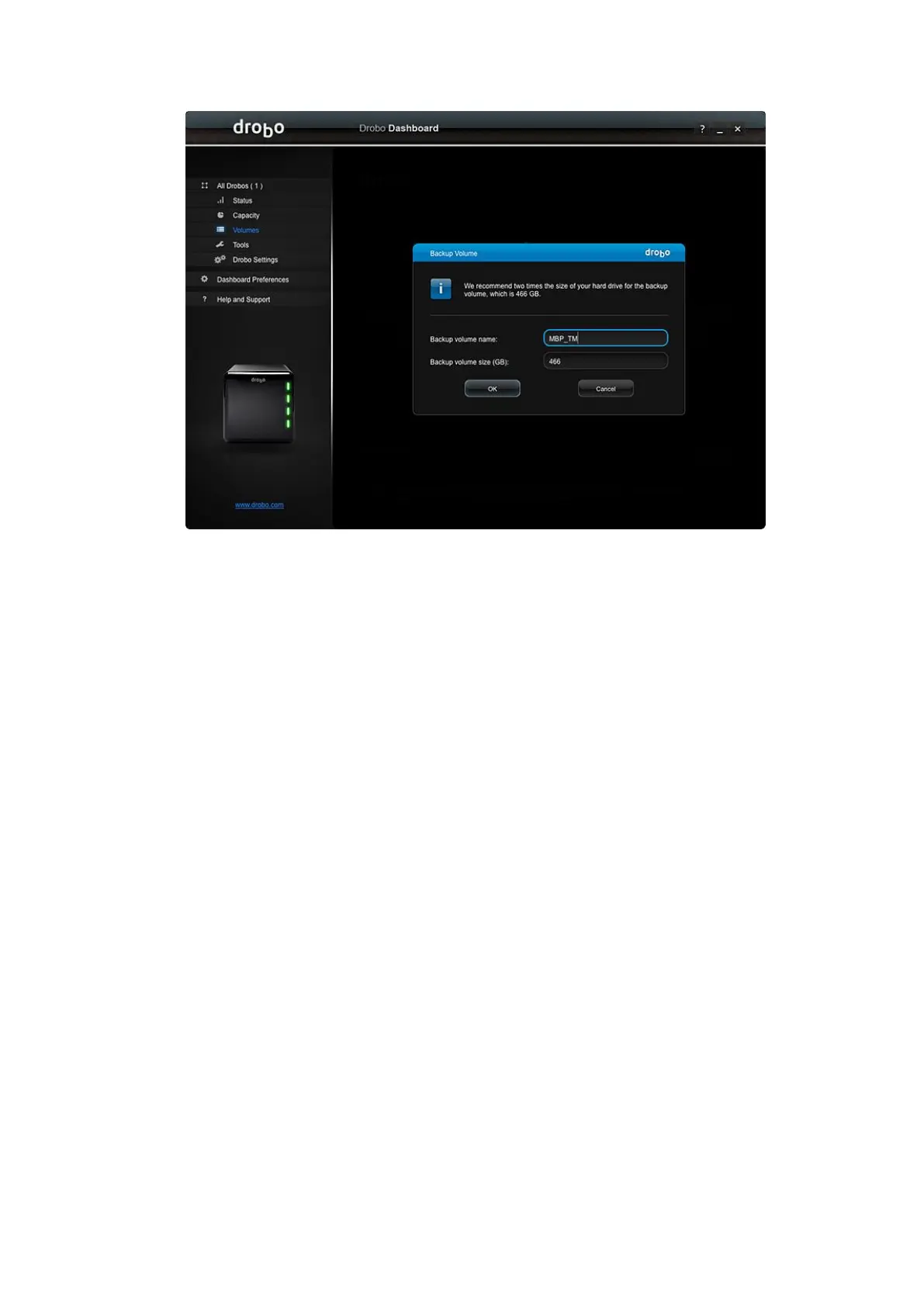
6. Click the OK button.
7. When you see the "Confirm Restart" dialog, take a moment to stop any activity on
the Drobo 5D3, because it must restart. When you are ready, click Yes to continue.
8. Wait until you receive the message that "Volume management changes have been
made successfully," then click the OK button.
9. Now you will see the backup volume you created listed under Volumes. You may
now close the Drobo Dashboard.
10. To finish the process, open the settings for your third-party backup software, such as
Time Machine, and select the backup volume that you created as the destination
volume.



 To Next Page