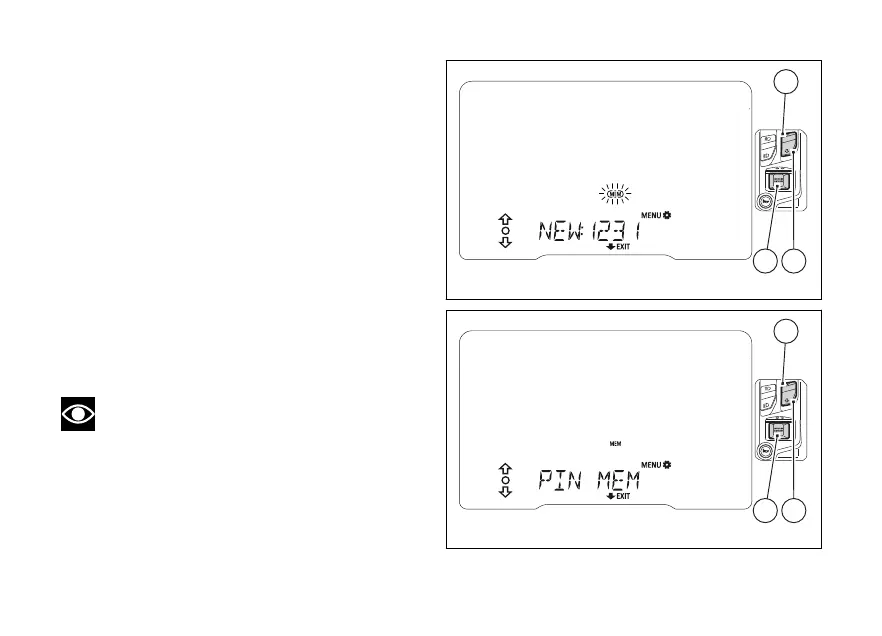
When you press (4) to confirm the and
last digit, the MEM item frame is flashing.
Now use (1), (2) and (4) to do the following:
- keep (2) pressed for 2 seconds to quit the
function without saving the PIN code;
- select every figure (flashing) of the set code and
press (4) to edit them and repeat the
code entry procedure;
- select MEM (flashing frame) and press
(4) to save the new PIN CODE.
Then the instrument panel shows "PIN MEM"
for 2 seconds and goes back to the previous
screen.
To exit and go back to the previous screen, keep
(2) pressed for 2 seconds.
Note
You can change your PIN CODE an unlimited
number of times.
Fig 66
Fig 67
114













 To Next Page