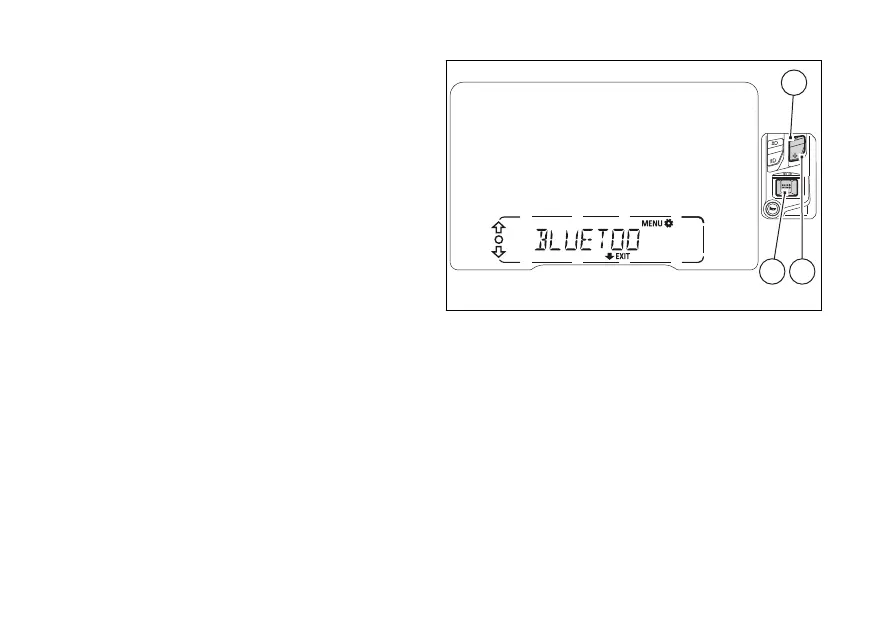
Bluetooth device
(BLUETOOTH)
This function allows pairing and/or deleting any
paired Bluetooth devices.
Enter the SETTING MENU.
Select “BLUETOOTH” option, by pressing (1)
or (2).
Once function is highlighted, press (4).
The BLUETOOTH menu is not available if the player
is active or when there is an incoming call, a call is in
progress or during recall.
Fig 89
134













 To Next Page