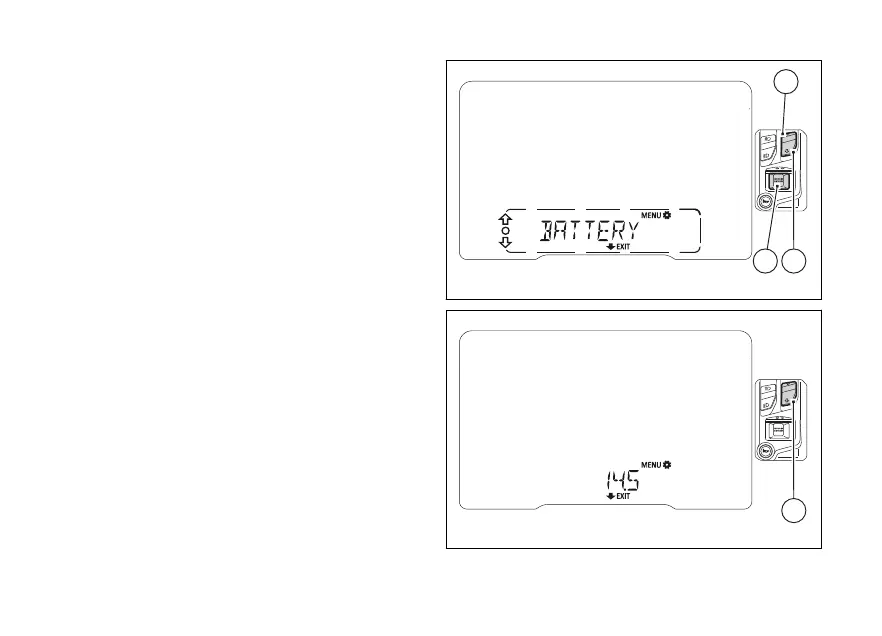
indication (BATTERY)
This function allows viewing vehicle voltage.
Enter the SETTING MENU.
Select “BATTERY” option, by pressing (1) or
(2).
Once function is highlighted, press (4).
When entering this function, the instrument panel
will display the voltage.
If value is between 11.0 V and 11.7 V or 15.0 and 16.0 V
the reading will be displayed flashing.
If the voltage is lower than 11.0 V, the instrument
panel will display a flashing "LOW" message.
If the voltage is higher than 16.1 V, the instrument
panel will display a flashing "HIGH" message.
To exit and go back to the previous screen, press
(2) for 2 seconds.
Fig 100
Fig 101
147













 To Next Page