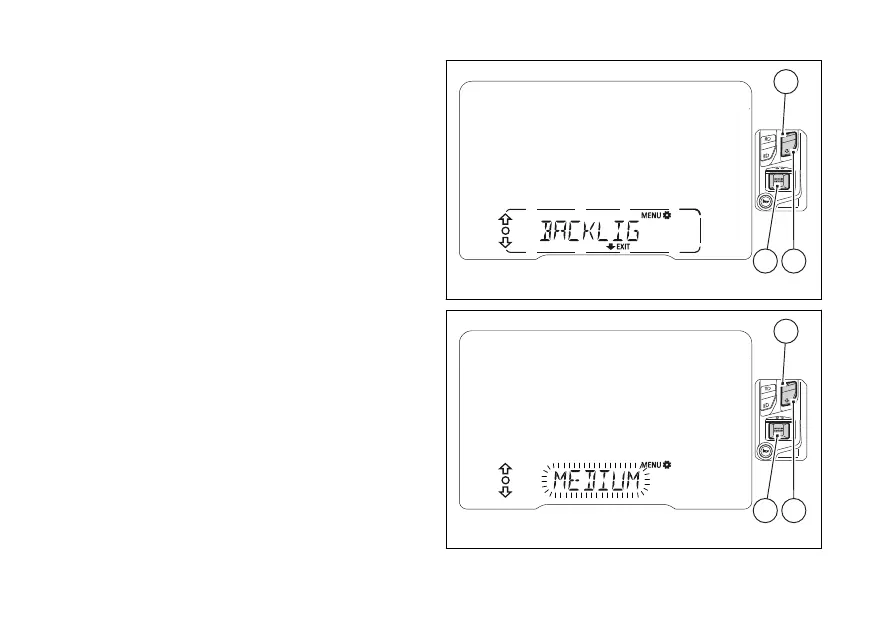
Backlighting (BACKLIGHT)
This function allows adjusting the backlighting
intensity.
Enter the SETTING MENU.
Select “BACKLIGHT”, by pressing (1) or (2).
Once function is highlighted, press (4).
When entering this function, the instrument panel
will display the currently set value flashing.
With (1) and (2) it is possible to scroll and
select (flashing) the available “HIGH”,
“MEDIUM”, “LOW”.
While user is scrolling the three available
the instrument panel will change backlighting
accordingly.
To confirm the selected value, press (4), the
instrument panel then exits the function.
To quit the function without changing the
press (2) for 2 seconds.
Fig 74
Fig 75
121













 To Next Page