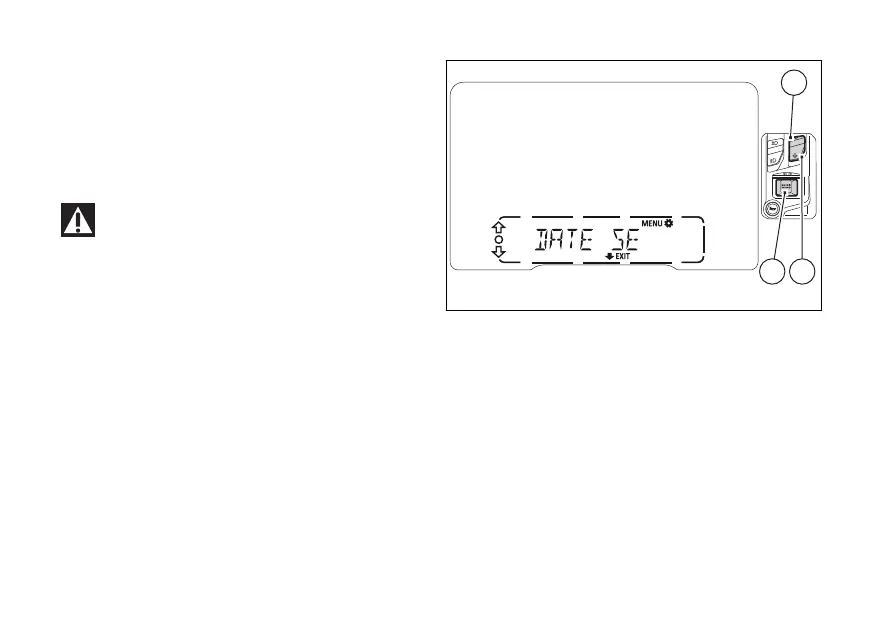
Date (DATE SETTING)
This function allows the user to edit the date.
Enter the SETTING MENU.
Select “DATE SETTING” option, by pressing
(1) or (2).
Once function is highlighted, press (4).
Every time the is disconnected, the
calendar date is reset and must be set again.
The displayed available are:
- Y: year
- M: month
- D: day
When accessing this function, the first parameter
that can be edited is the year.
Fig 68
115













 To Next Page