Changing the Pin Code
●
Enter the menu.
●
Use (1) and (2) to select item “Pin Code”
and press the ENTER (3).
●
Select the "Modify Pin" item and press the
ENTER (3).
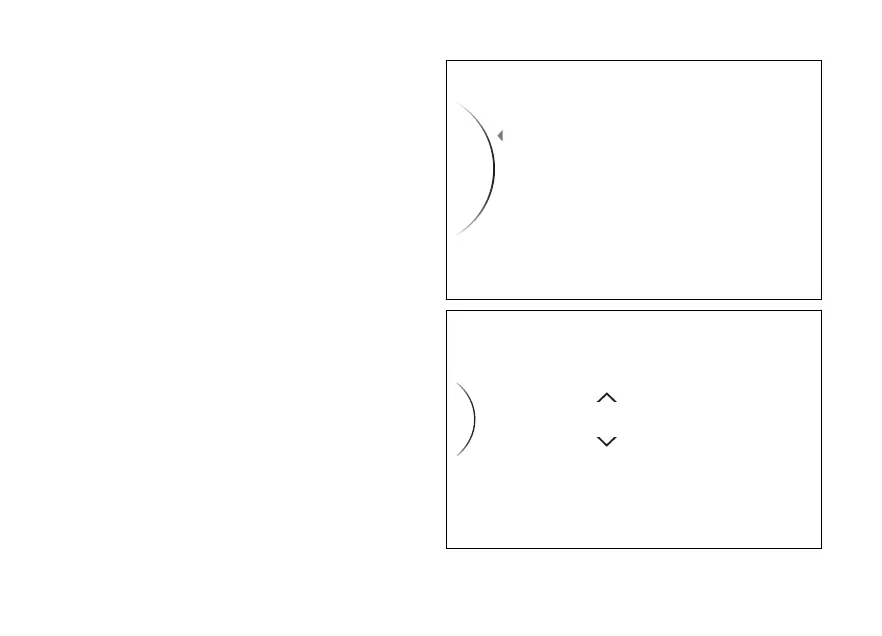
The display shows the message “Old Pin” and the
spaces to enter the four digits of the old pin
(Fig 132). The two arrows above and below the first
digit give the possibility to set it. Entering the code:
●
Use (1) and (2) to increase and decrease
by 1 the value from “0” to “9”.
●
Press the ENTER (3) to confirm the digit
and move on to the following digit.
●
Repeat the procedure until entering all 4 digits.
Once the digit is set, press ENTER (3) and the
instrument panel behaviour will be as follows:
●
if the pin code is not correct, the instrument
panel displays “Wrong” highlighted in red for 2
seconds and then goes back to previous screen,
to allow you to try again;
●
if the pin code is correct, the instrument panel
shows “Correct” highlighted in green for 2
seconds, and then displays the page for entering
Fig 131
Fig 132
194













 To Next Page