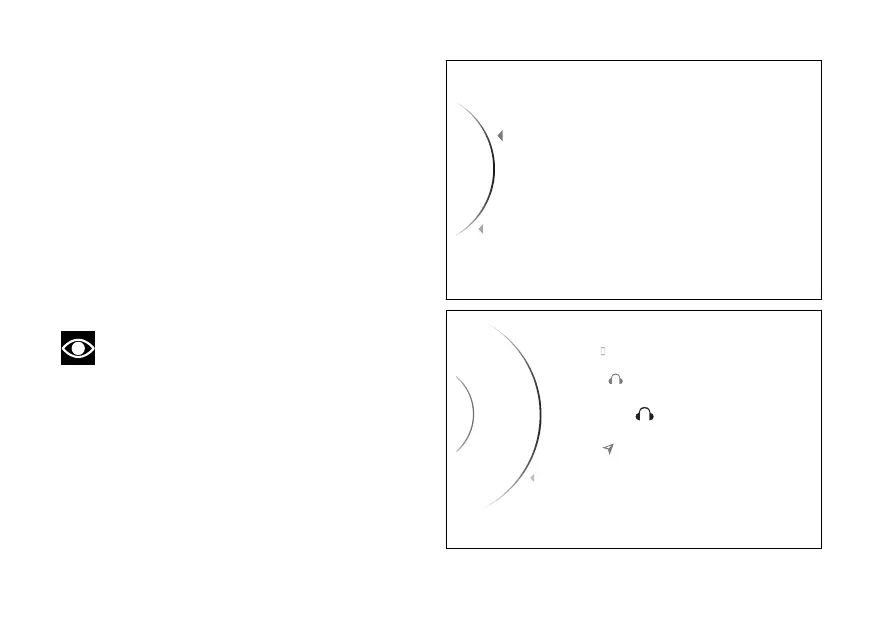
Display of paired devices
To view the devices already associated, access the
SETTING MENU, use (1) and (2) to select
"Bluetooth" and press the ENTER (3). Use
(1) and (2) to select "Associated Devices" and
press the ENTER (3).
A list of all associated devices is displayed: the list
can show a maximum of 5 devices. For each device
the relevant icon indicating the type is shown on the
side.
To exit the menu and return to the previous screen,
select the “Back” item and press the ENTER
(3).
Note
Maximum of 2 1 rider earphone, 1
passenger earphone, 1 satellite navigator can be
paired up.
If no associated devices are present, the instrument
panel will show “No Device”.
Associated Devices
Pairing
...
Back
Back
Fig 5
Scala Q3
Garmin
Back
Samsung S7
Ass. Device
...
Scala Q
2
1
Fig 6
23













 To Next Page