16
ENGLISH SPAIN
HELP
Activate audio help
Activate video help (Demonstrations)
NEW PATIENT
To Create Patient File: enter First name (required), last name (required) and #chart,
date of birth (DOB), gender:
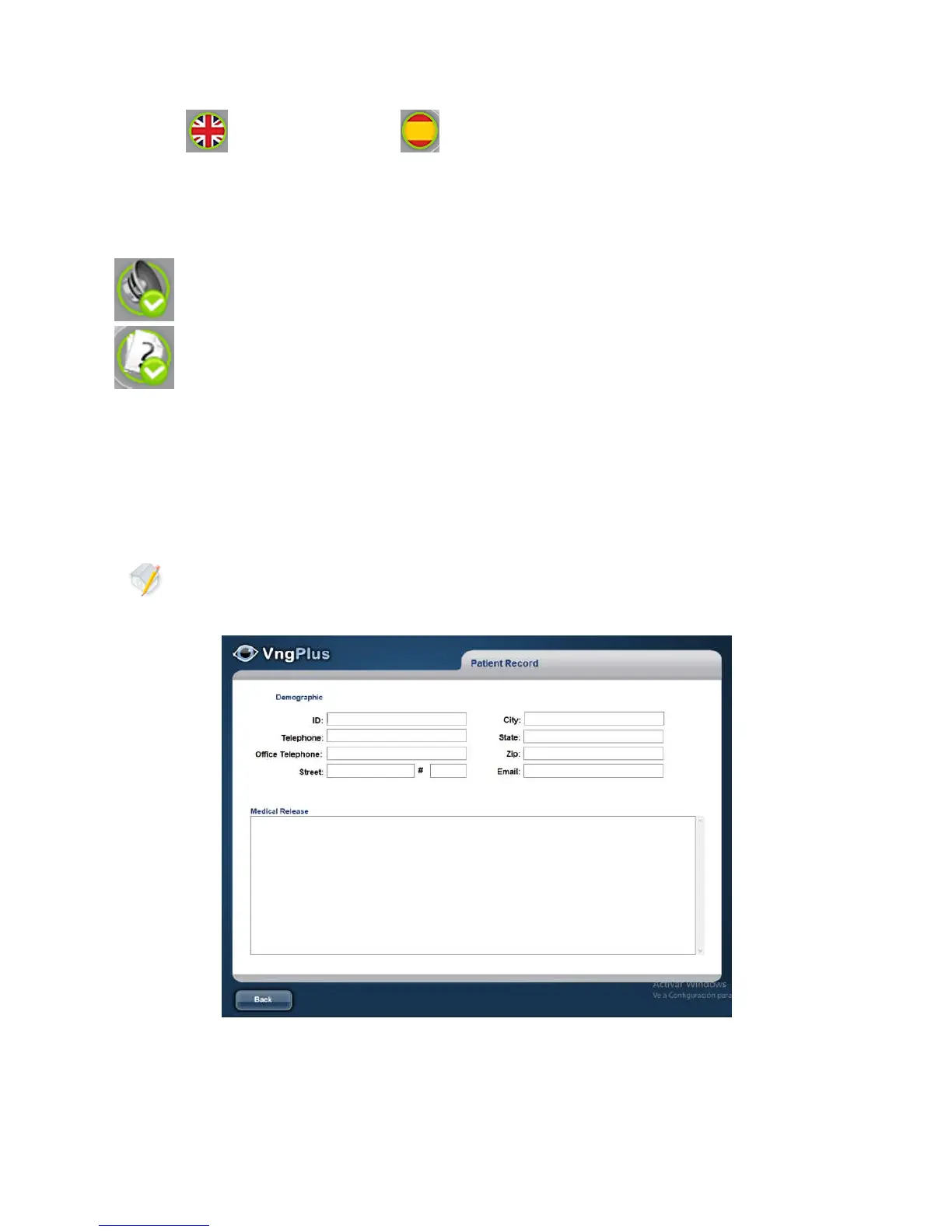
To enter demographic data (phone, address, etc.) and Anamnesis press the
OTHERS button (optional).



 To Next Page