53
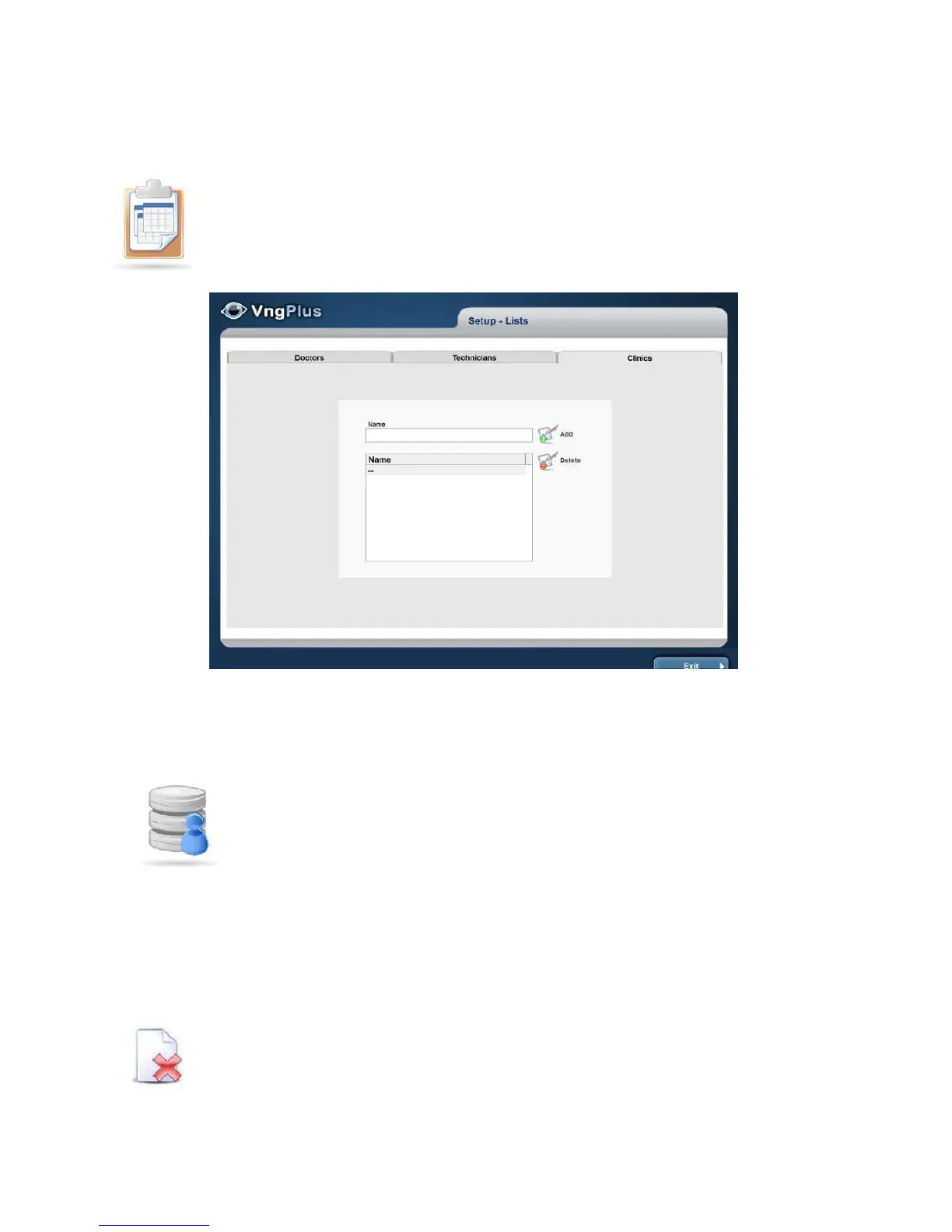
LISTS
Edit the list to be available in patient records: Doctor, Administrators and
Clinics. Hereyou can addorremoveitems
MANAGEMENT DATA BASE
The database shows a list of stored sessions. You can sort in
ascending / descending order by date or alphabetical items: Last
Name, Name or Chart # (Medical Records), pressing the top of each
column.
Use the search tools, pressing the Search button to locate a patient
and / or sessions. Filters allow discrimination by Name, Last name,
NHC and date. When the
Database is large it is recommended to use filters because it substantially reduces the
searching time The searched matches the data will be displayed in the same list.
To delete the selected patient session (highlighted in blue), pressDelete
icon



 To Next Page