19
CUSTOM PROTOCOL
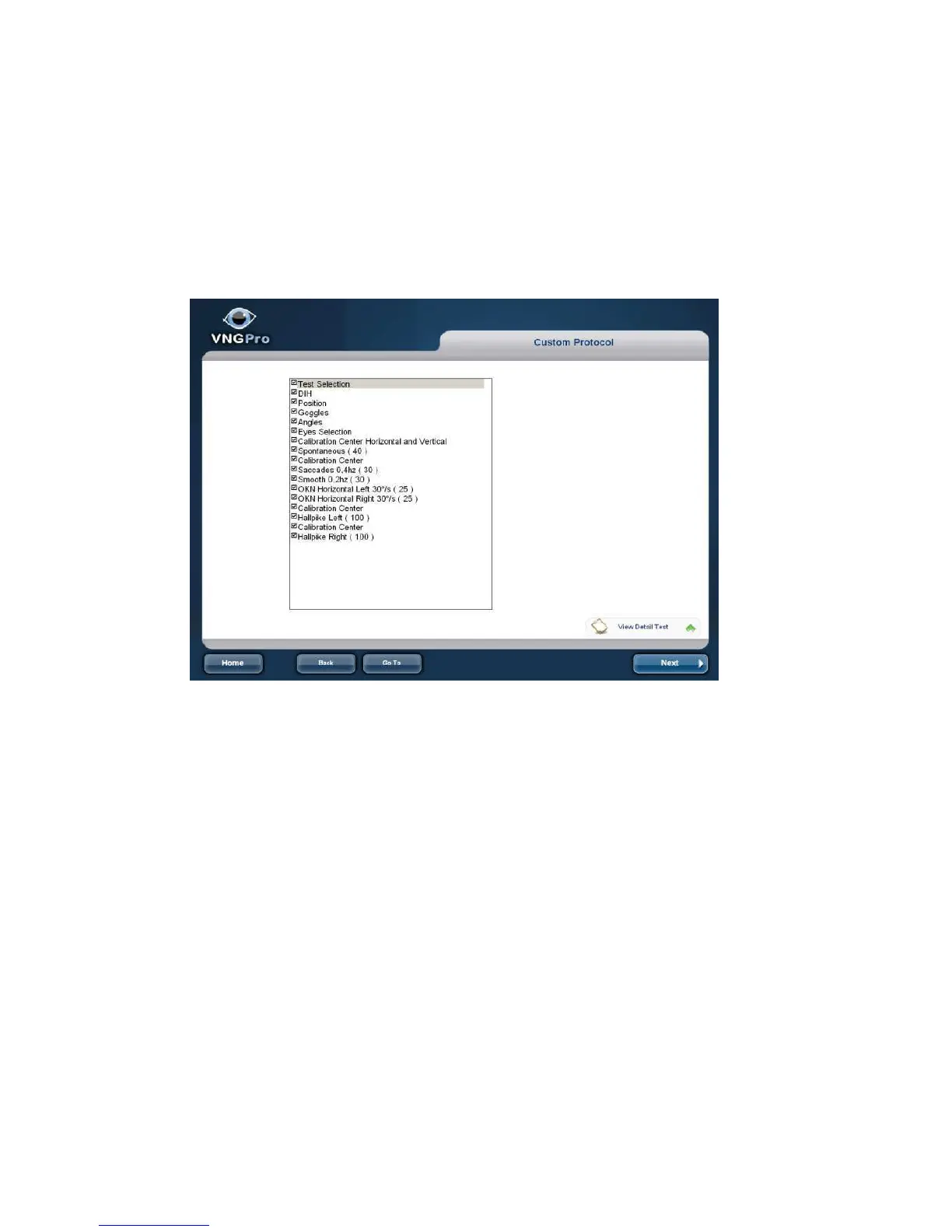
Shows sequence of the test to follow. The list includes patientpreparation, calibration
and test. All will be included in the protocol you selected. (See: Software Setup
Protocol).You can deactivate some items uncheck them. These changes will not be
saved
See the test description by clicking View Detail test description. A label is displayed
that shows the parameters that define the test (Frequency, direction, Time, etc.)
Toolbar bottom:
Home: Return to Home window.
Back: Return to previous window.
Go to: Select another Window.
Next: Forward to next window



 To Next Page