44
REPORT
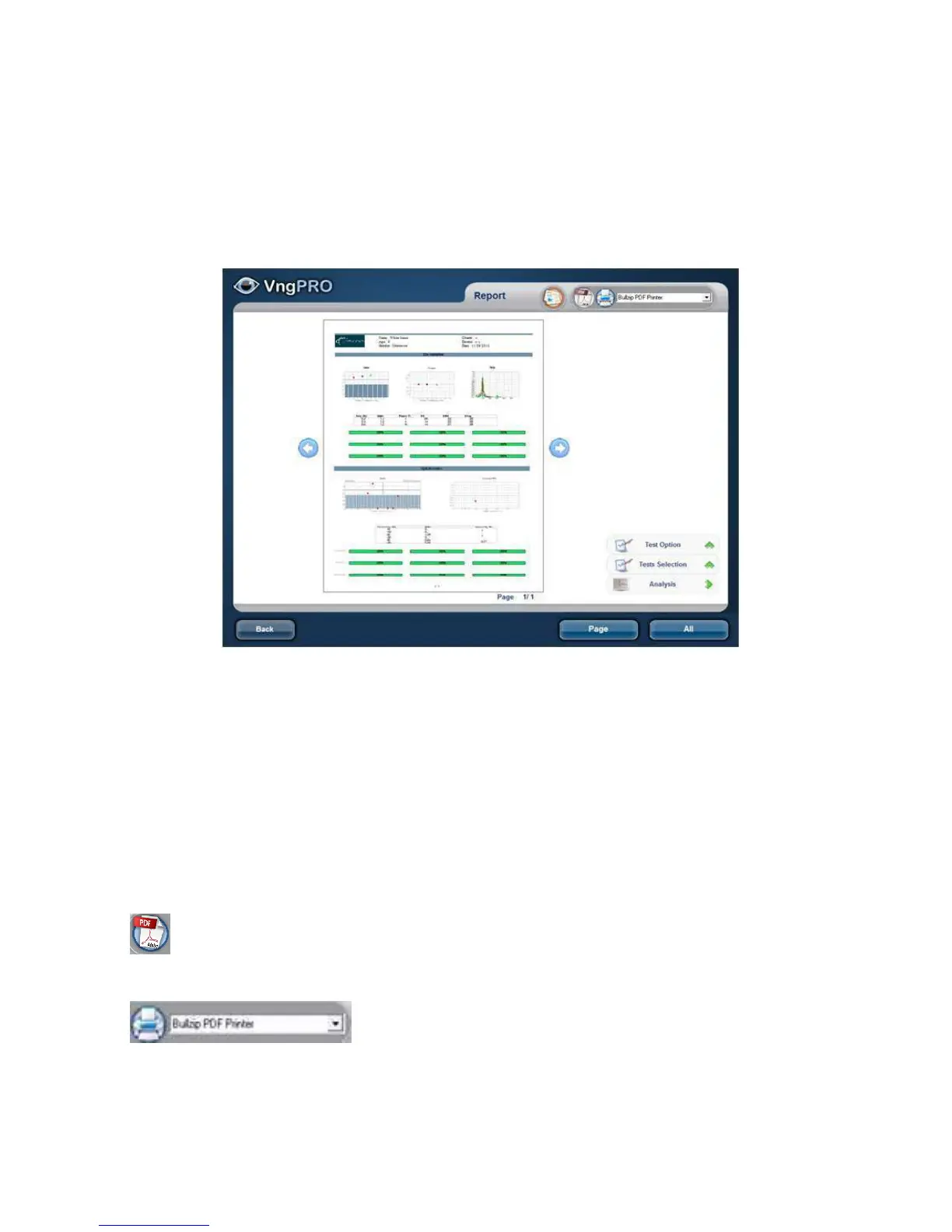
The report manages the printing functions of VNG Plus. Prints different
configurations and analysis of records obtained as well as use a wide variety of
printers.
Records and analysis on each test will be displayed in the preview. At the bottom
show the current page/Totalpages Number. Use arrows to move betweenpages.
You can select a tests to print by pressing Selection Tests and Options Test of the
same trials Pressed Options (See also: Configure/ Advanced/ Print) Pressing
analysis, a form with the tests summary is open, which you can select any Test to
review it again.
Print Mode: With these controls you can select whether sending the report directly to
a printer, or save it to a pdf. File
PDF printer
Choose output printer in the drop down menu. When
printing a document, all the printers installed in Windows are listed you can always
select a different printe
r



 To Next Page