The software and drivers installation has finished.
It is recommended, before loading the drivers, to carefully read the hardware
If you experience problems during installation of theVideo drivers See:
Troubleshooting section
AUTOMATIC DRIVERS INSTALLATION
When the software and hardware (See hardware installation) are perfectly installed,
two drivers must be automatically loaded:
USB Video Device Driver
USB Data Driver
You must have administrator privileges or pa
ssword to elevate privileges,
every time Windows request you, in order to correctly install the device.
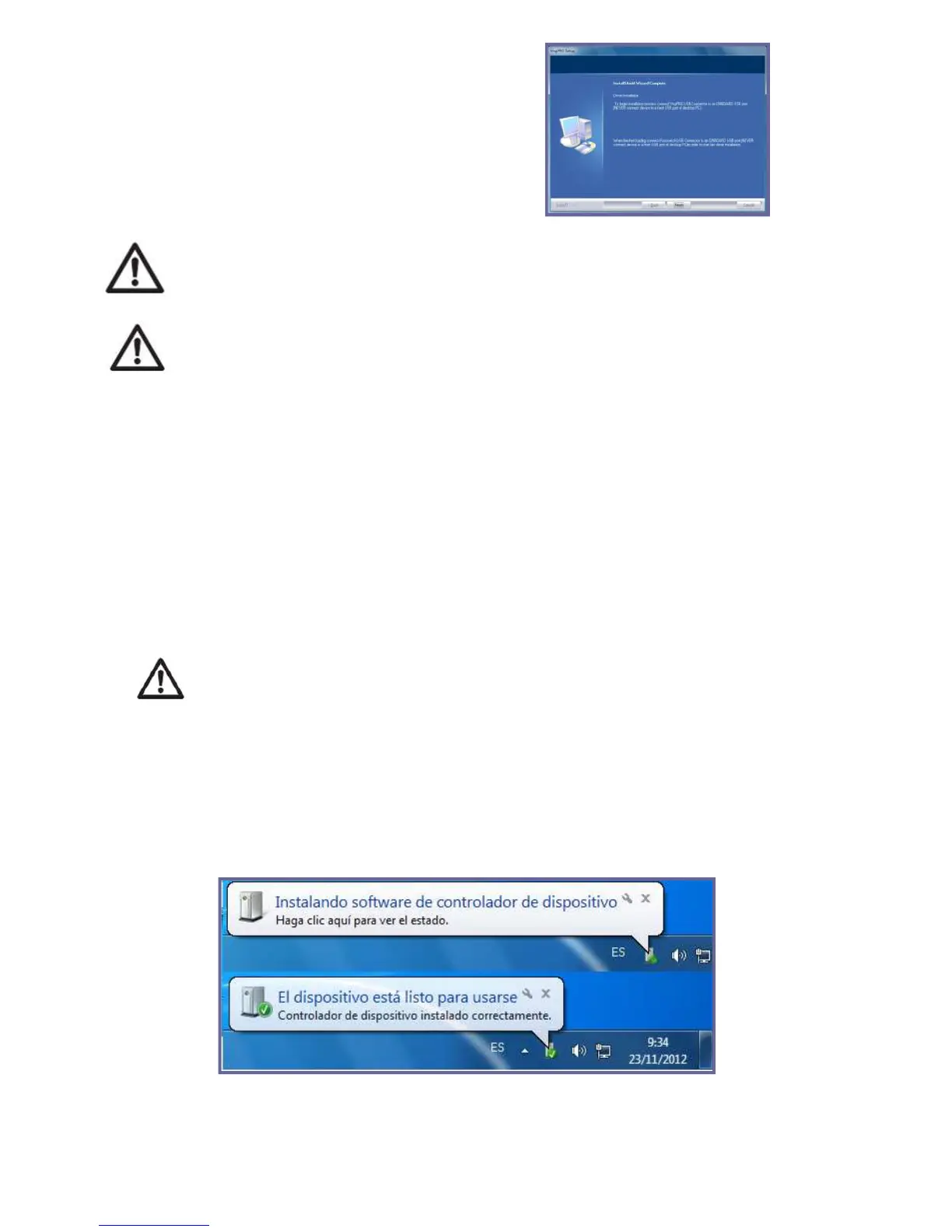
When connecting the VNG Plus to the USB port automatically begin the drivers
At the end, on the Windows® taskbar, you will see a legend confi
correct installation of the device el VNG Plus.
71
It is recommended, before loading the drivers, to carefully read the hardware
If you experience problems during installation of theVideo drivers See:
When the software and hardware (See hardware installation) are perfectly installed,
ssword to elevate privileges,
every time Windows request you, in order to correctly install the device.
When connecting the VNG Plus to the USB port automatically begin the drivers
At the end, on the Windows® taskbar, you will see a legend confi



 To Next Page