62
The offset- time area relative to the whole area allocated for the chart is defined here
and the scrollbar may be used to change the chart view. Not so in the printing, will
only print the defined time window.
For example: Test recorded: 60 sec Time plot: 25 sec.
Part of the record does not appear at the viewing, so you must use the scroll bar to
scroll the entire layout. While printing, are printed only the first 25 sec of recording or
window marked to printing (See: Print the Bookmarks)
If set to auto scale the layout adapts to the recorded times
Check time-plot scales when comparing different records
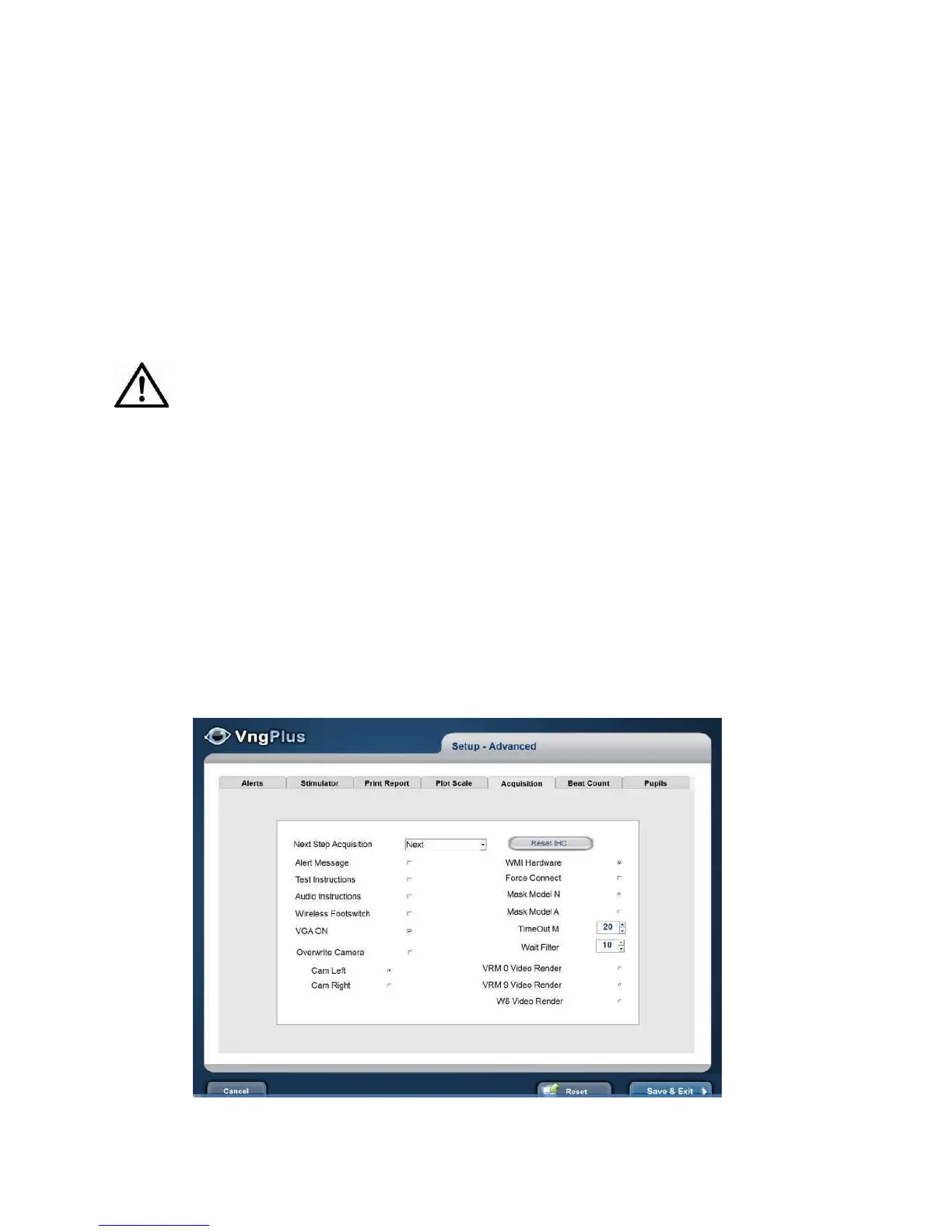
Acquisitions
Tests may be performed in any sequence defined by the user. Mark the Next step
Acquisition desired by test.
When stop recording of the test data,
Stop: the test window
Next: the test next window will be open automatically.
Result: the test analysis window will be open automatically



 To Next Page