48
NOTE. The manual edition is reversible
EXPORT TESTS
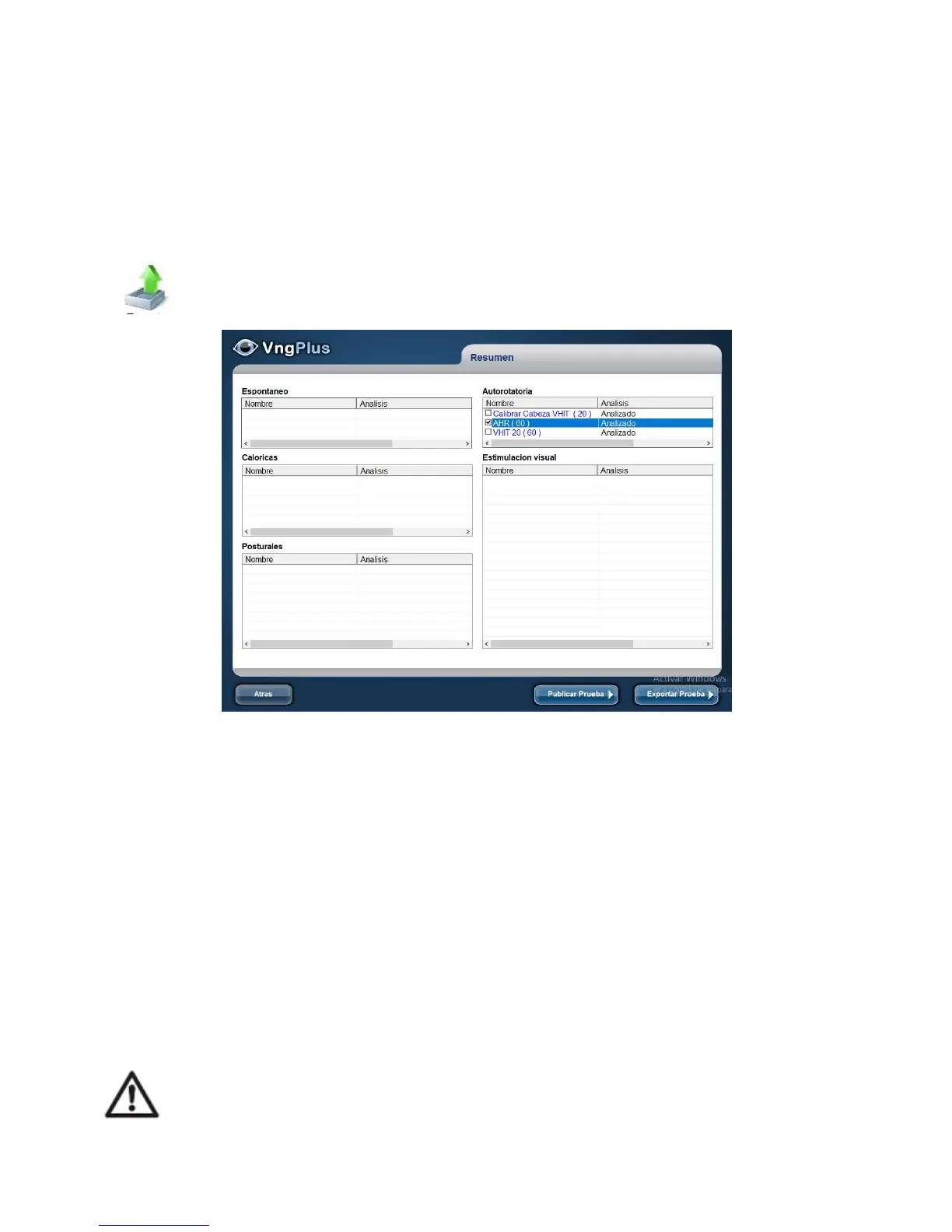
In the home window you can access the test summary recorded and export
it.
Select the test to be exported by clicking on it, and the check box of the selected test
will be activated
Pressing the Export testbutton opens a dialog to export the selected test in some
external medium (Pendrive, CD, etc.)
Pressing Publish Test, you can publish the test (data, report or videos on the website
Endodigiweb.com in public or private).
ENDODIGIWEB gives you the possibility to upload and share your own cases or
reports. The wizard will help you publish videos, images or reports. Use the Next,
Back or Cancel buttons.
To ensure the ENDODIGIWeb service you need to be connected to the
internet.



 To Next Page