58
Save and Exit: Store all new parameters and coming back to previous
window
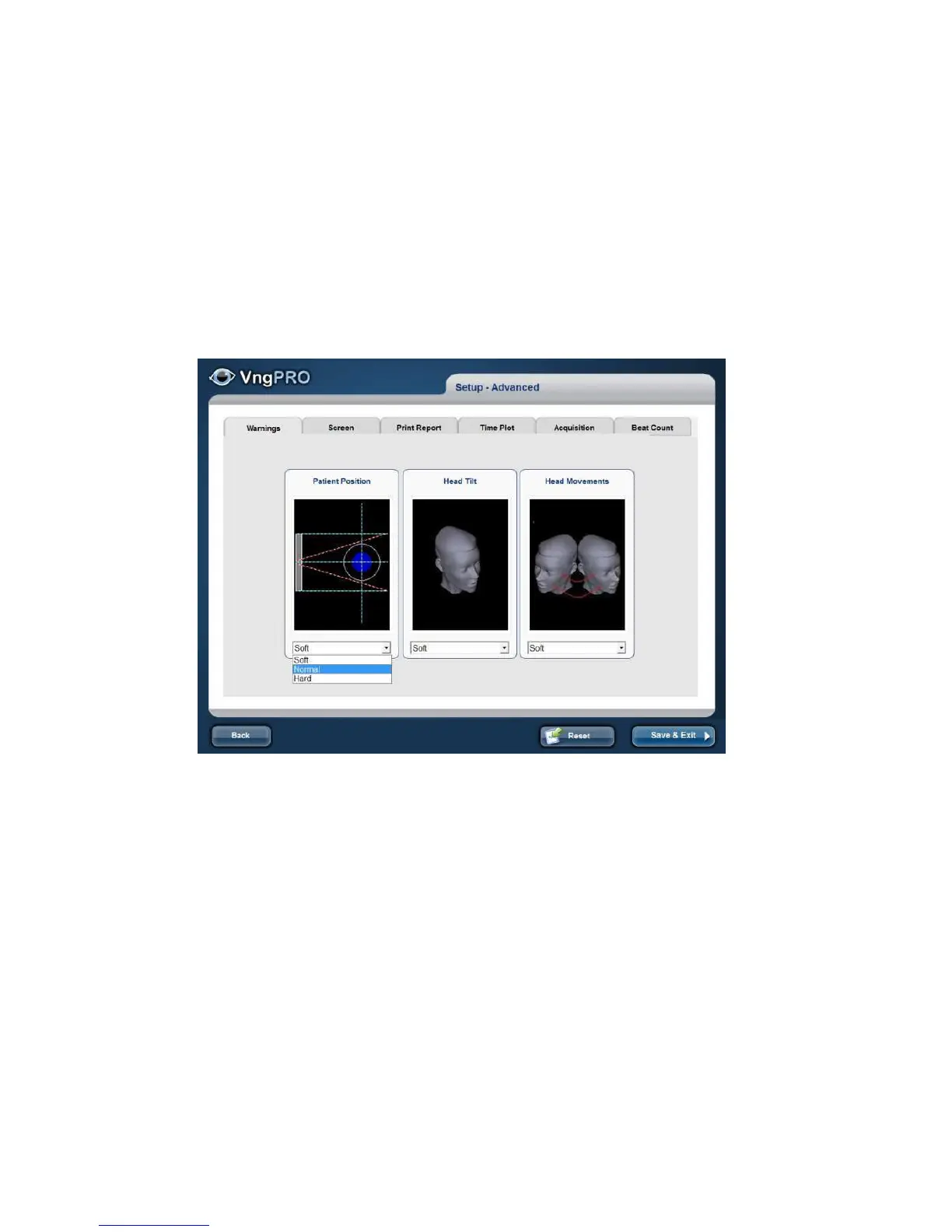
Warnings
Select the warning control: Soft /Normal/ Hard
Depending on the selected warnings level will be more or less stringent (demanding)
perform a test
Visual stimulator
VGA:To produce stimulation patterns of correct size, position and angle velocity, the
required information about the geometry of the screen setup in your laboratory. These
values will have to be updated whenever the display screen geometry is changed



 To Next Page