37
ANALYSIS GENERAL
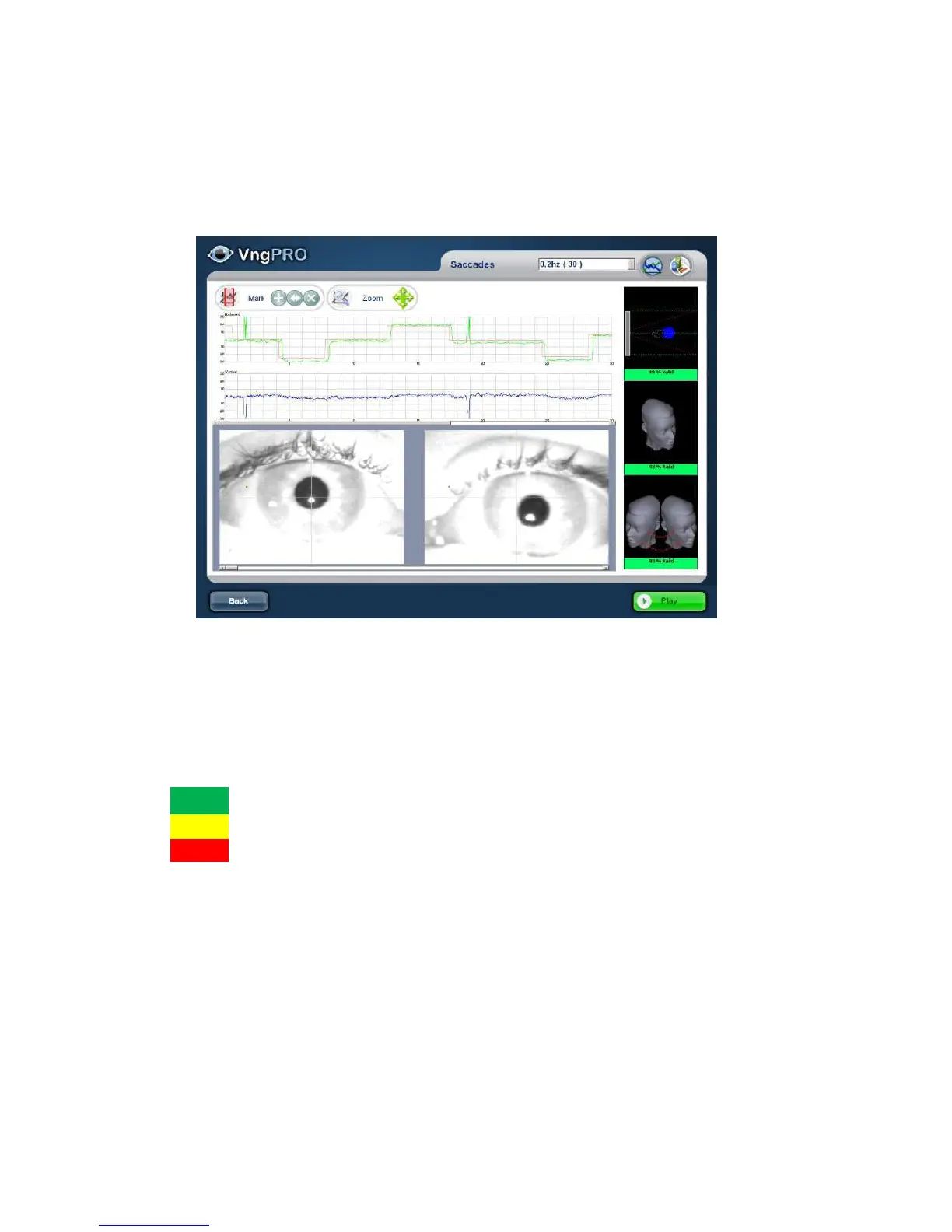
The test will be opened and test data will be displayed in the analysis window. The
analysis can be recorded immediately after the test or after performing the scheduled
Test Battery.
The tests of the same type with multiple sub-tests are shown in one window. The test
name displayed should be selected from the drop down menu.
Records (horizontal / vertical) and the video are captured, along with alarm status.
StatusAnalysis of alarms [%]:
Excellent
Good
Poor
Playback Record
Pressing the Play button you can review the video, and alarm registers
simultaneously



 To Next Page