38
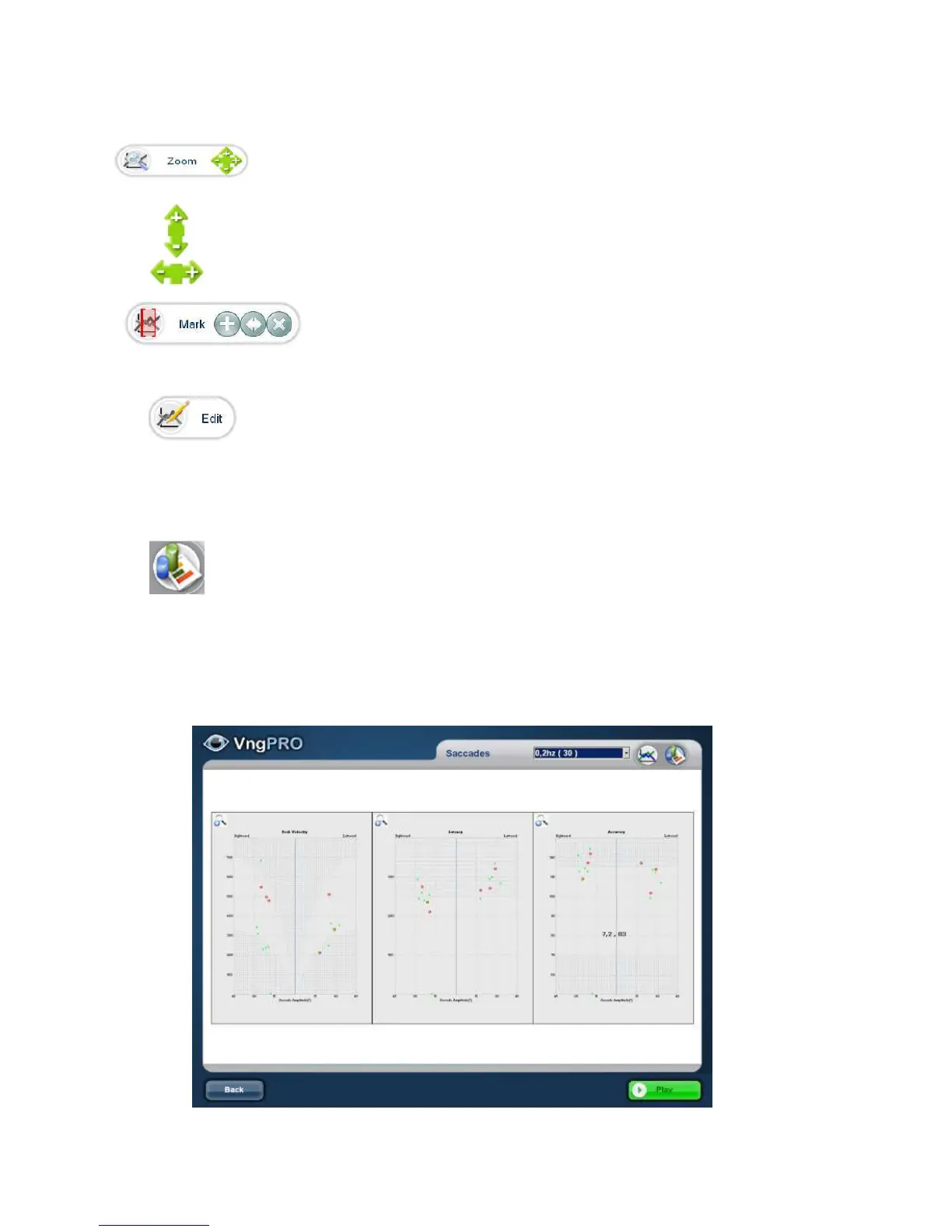
Use the following tools for:
Increase or decrease the scale of plot.
Zoom out/Zoom in amplitude Scale
Zoom out/ Zoom in Time scale
Create print windows: cropping a records area to print. (See: Createprintwindow)
Edit Nystagmus manually. When reviewing an editable test, you can click on
edit Icon to open the Edit mode and display the Edit toolbar. The Edit icon
appears example from Caloric test (See Edit Nystagmus)
Graphical analysis: Graphs that display the measuring process over time.
Those graphs that show analyzed data (e.g., Peak velocity, latency and
Accuracy in the saccades test). The abnormal threshold is the dotted gray area
(See: APENDIX Abnormality threshold)



 To Next Page