18
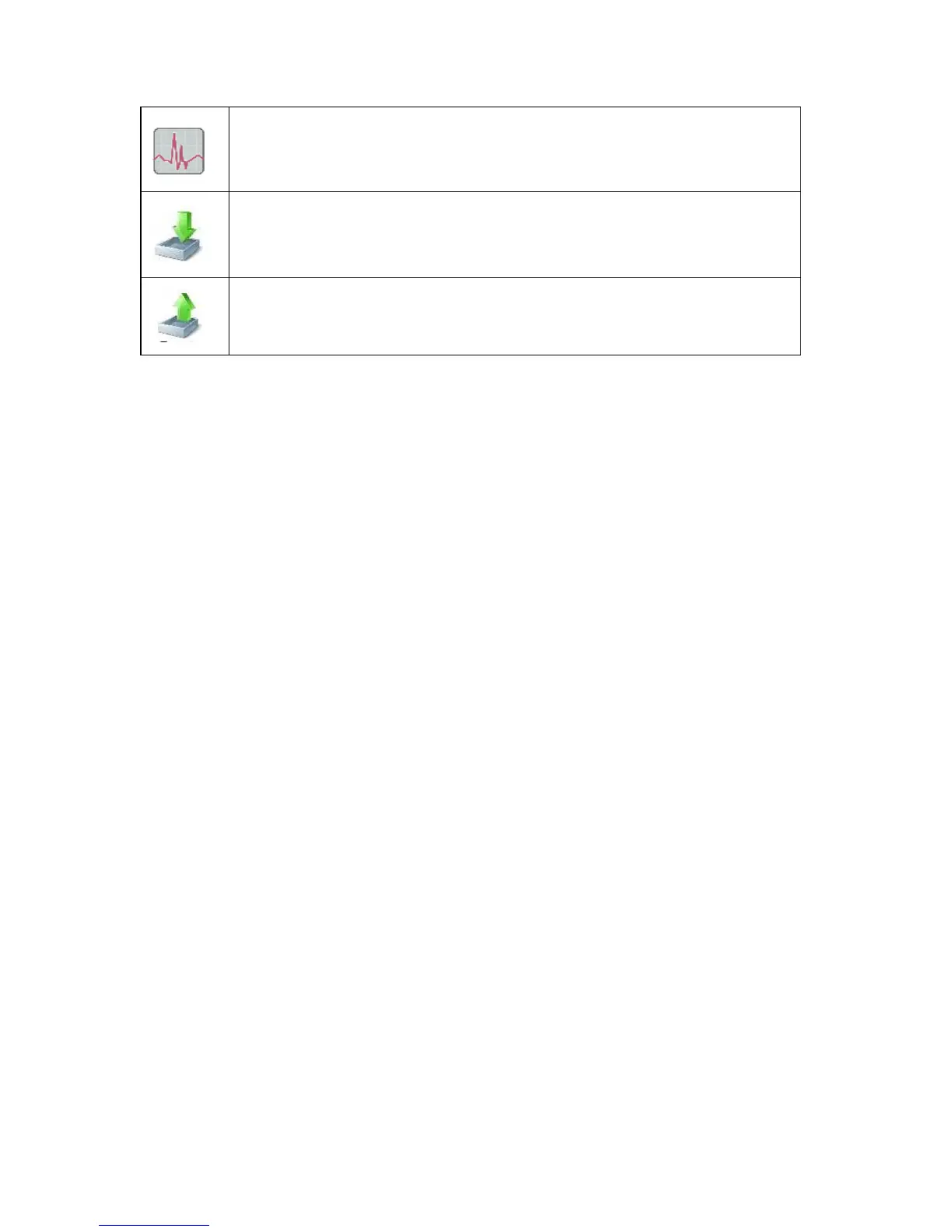
Session Resume: Open a test table to Access the test recorded
Importtest
Export test (See: Export test)
TOOLBAR:
Shut down: Close VNG Plus.
Setup: Setup hardware and software.
Support: User-friendly assistance for individuals having technical problems
with VNG Plus. The technicalsupportteam, is able to troubleshoot most
problems that a user experiences. Technical support may be provided,
through email, or with remote interface (See: Technical support).
Start session: Startsthe selected test protocol



 To Next Page