55
Details:Show the test description: Time, frequency, direction, etc
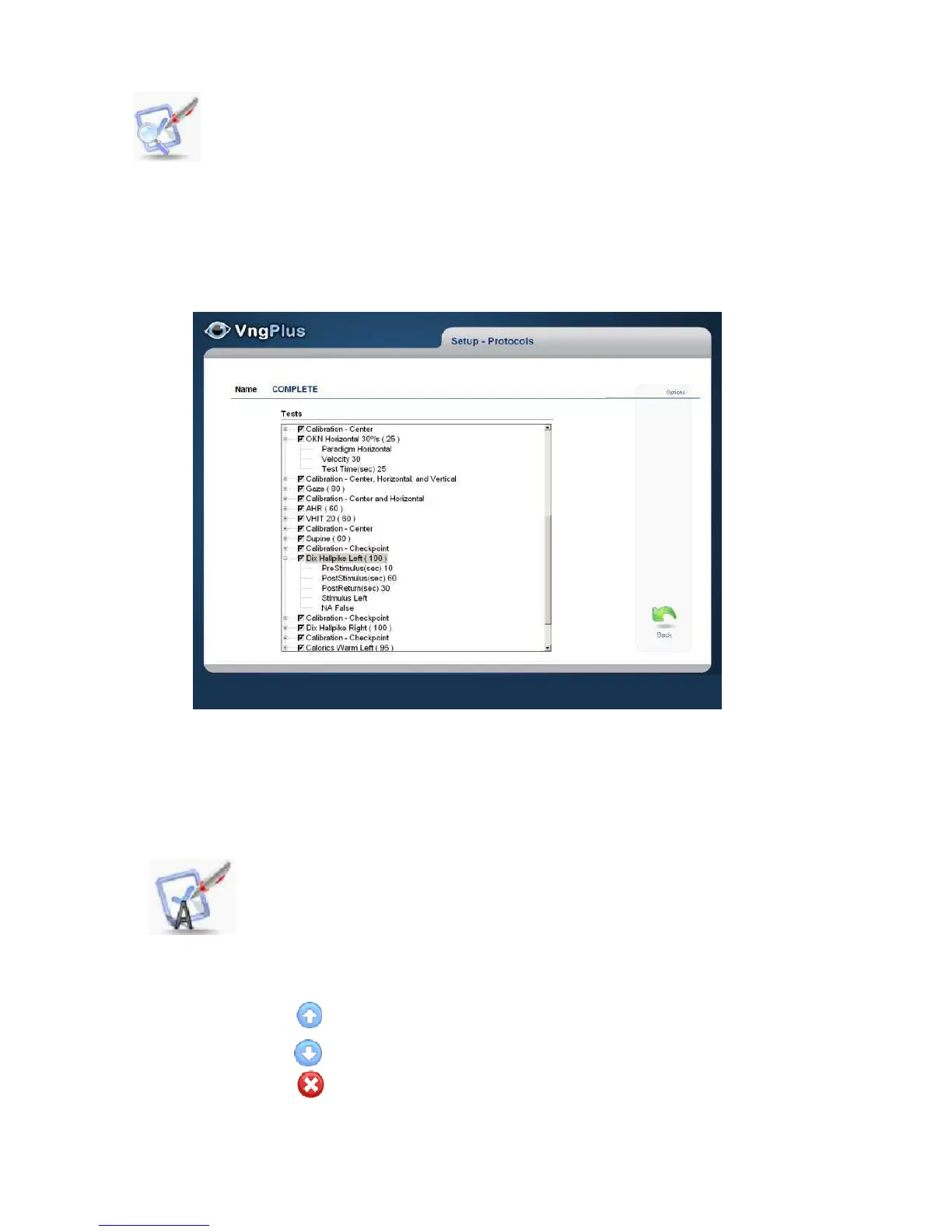
The protocol Tree is similar to the one in Windows Explorer and can consist of up to
two levels. First Level: Displays screen/Test
Second level: Displays description (paradigm, Velocity frequency, Etc) for performed
tests
To expand / collapse the description use +/-
All tests are saved. The test disabled (unchecked) don't be included on the protocol
sequence and should use the GO TO function, to open this window.
Edit: Allow modify protocols add/ Remove/Move test and/or calibration
process; except the protocols predefined. Any edited protocolcan be
saved as a new protocol and keep the original protocol unchanged.
ForthisselecttheSave As option.
Move up
Move down
Delete



 To Next Page