69
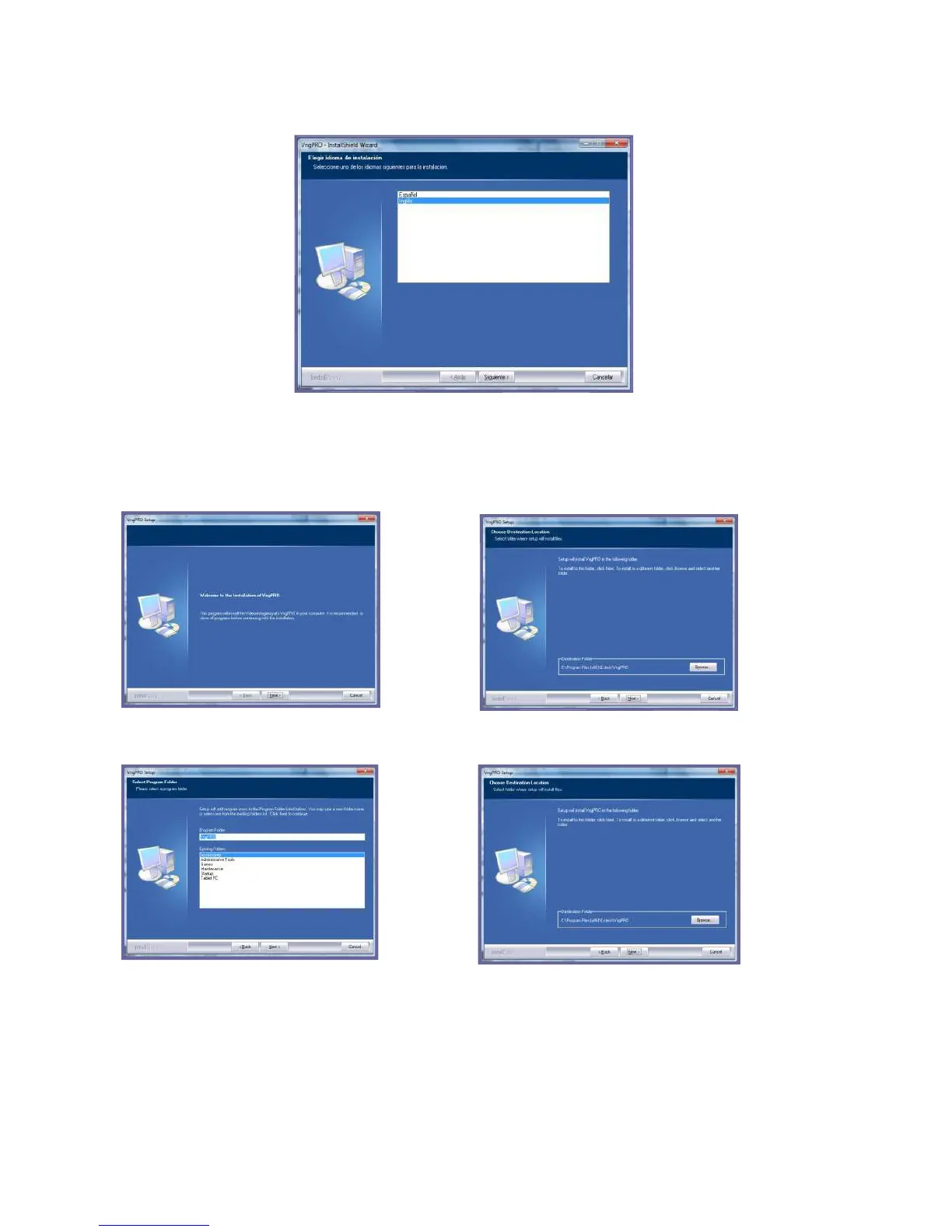
Next to start installation process.
It is recommended to follow the options that appear by default, by pressing Next
button in each of the screens, unless indicated otherwise.
Once the files are copied, the installation program will automatically begin drivers’
installation. Remember that theVNG Plus must remain disconnected from the PC



 To Next Page