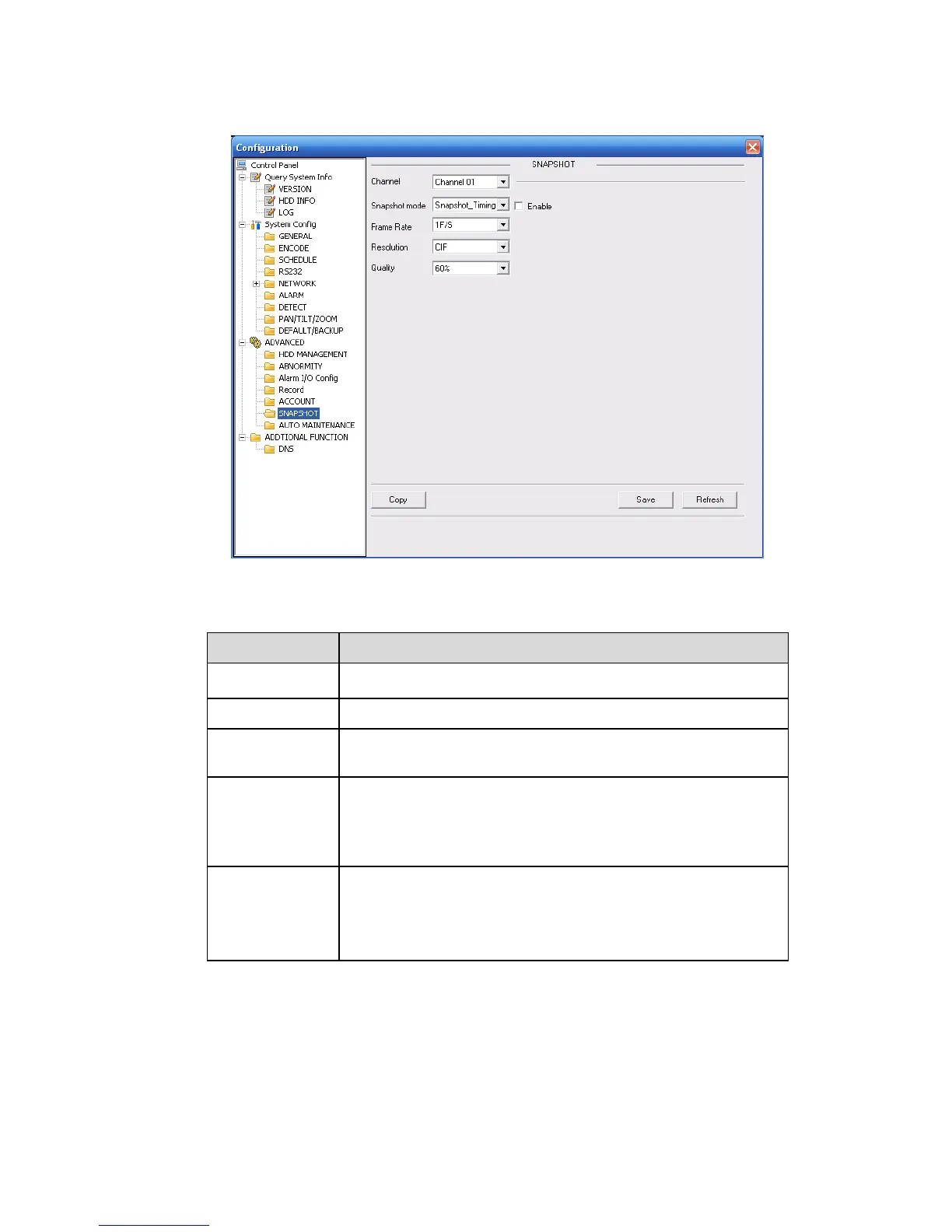
7.3.3.6 Snapshot
Snapshot interface is shown as in X477H477H477HFigure 7-49X.
Figure 7-49
Please refer to the following sheet for detailed information.
It is the monitor channel.
There are two modes: Timing and activation.
You can select from the dropdown list. The value ranges from
1f/s to 7f/s.
You can select from the dropdown list.
For 16 series DVR:
Channel 1 and channel 9 support D1/CIF/QCIF.
Channel 2 to channel 8, channel 10 to channel 16 supports
CIF/QCIF.
You can select from the dropdown list. Here is for you to set
video quality.
There are six options: 10%、30%、50%、60%、80%、
100%.
100% is the best quality.



 To Next Page