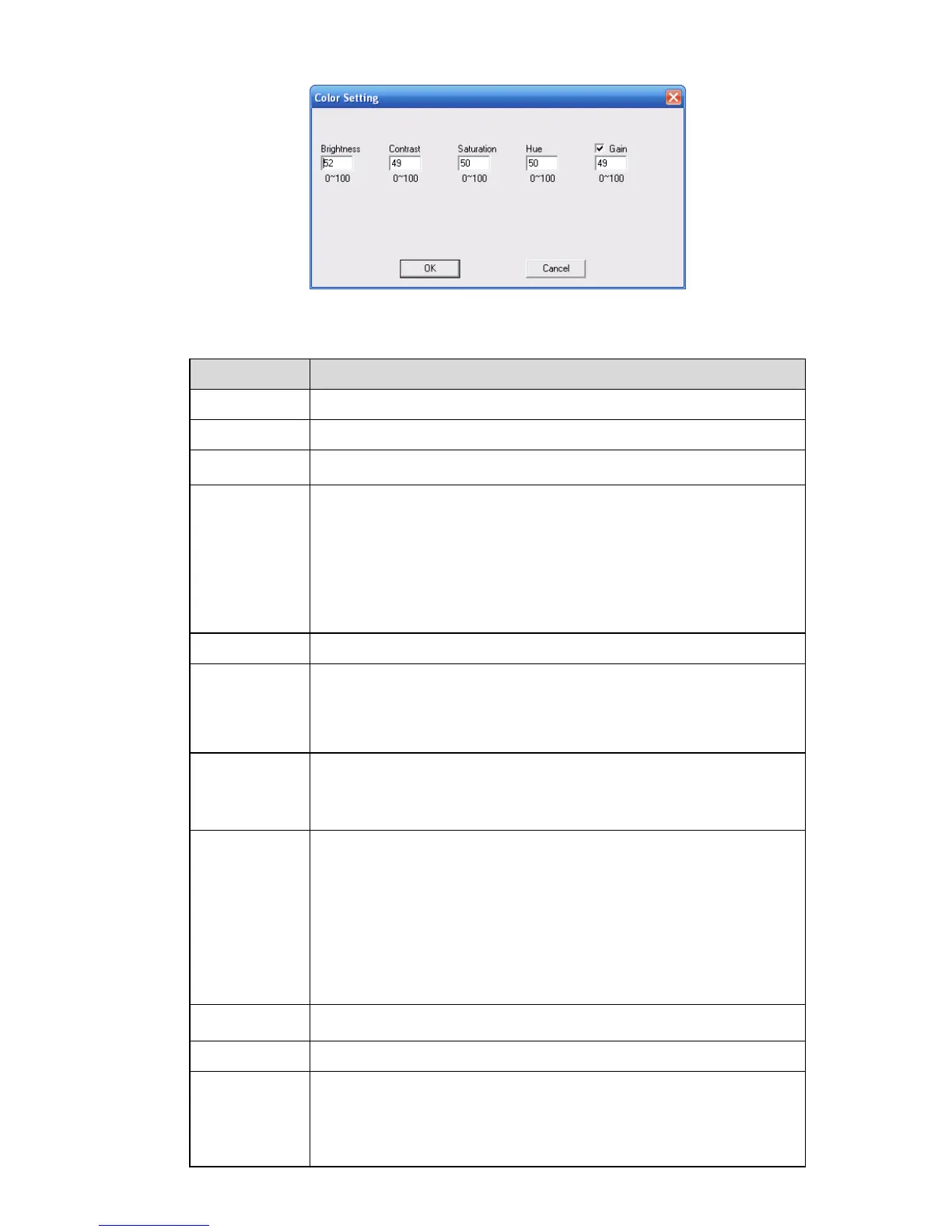
Figure 7-27
Please refer to the following sheet for detailed information.
Here is for you to select a monitor channel.
Here is to display current channel name. You can modify it.
It includes main stream, motion stream and alarm stream. You can
select different encode frame rates form different recorded events.
System supports active control frame function (ACF). It allows you to
record in different frame rates.
For example, you can use high frame rate to record important events,
record scheduled event in lower frame rate and it allows you to set
different frame rates for motion detection record and alarm record.
Select extra stream if you enabled the extension stream to monitor.
For the main stream, recorded file only contains video by default. You
need to draw a circle here to enable audio function.
For extra stream, you need to draw a circle to select the video first and
then select the audio if necessary.
For 16ch series:
Main stream resolution supports D1/CIF/QCIF.
Extra stream of channel 1 to channel 16 support QCIF only.
PAL:1~25f/s;NTSC:1~30f/s
For the 8-ch series DVR, you can refer to the following information:
If the 1-channel resolution is D1and the frame rate is more than 6f/s,
then the rest seven channels (the second channel to the eights
channel) resolution shall be CIF or QCIF.
If the 1-channel resolution is D1 and the frame rate is or less than 6f/s,
then the rest seven channels (the second channel to the eights
channel) resolution shall be D1/CIF/QCIF. Right now in D1 resolution,
the max frame rate is 6f/s.
There are two options: VBR and CBR.
Please note, you can set video quality in VBR mode only.
The value ranges from 1 to 6. The level 6 is the best video quality.
In CBR, the bit rate here is the max value. In dynamic video, system
needs to low frame rate or video quality to guarantee the value.
The value is null in VBR mode.
Please refer to recommend bit rate for the detailed information.



 To Next Page