10
CHAPTERII:SYSTEMANDNETWORKSETUP
2‐1Establishinganetworkconnection
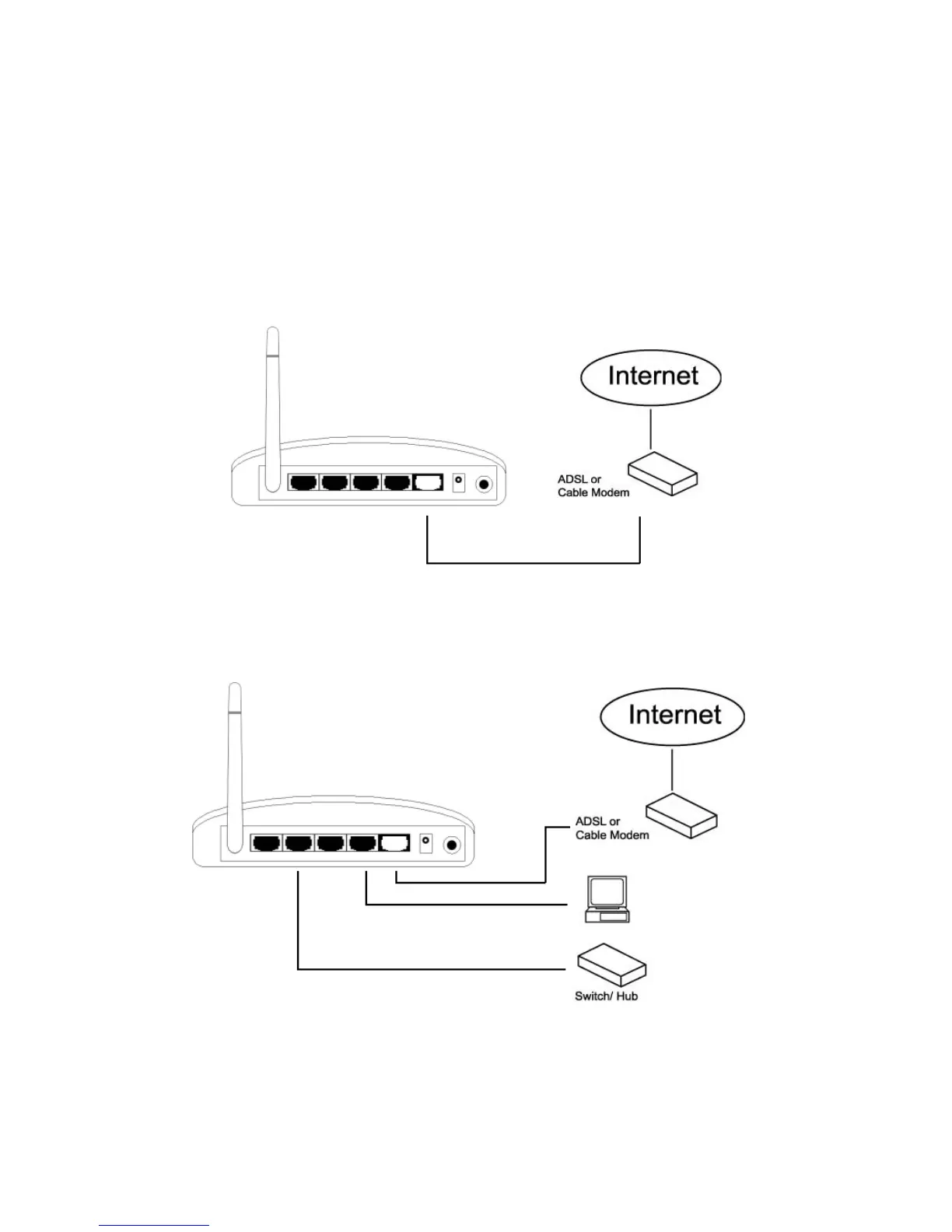
Pleasefollowthefollowing instructionstobuildanetworkconnectionbetweenyour
newbroadbandrouter,computers,andothernetworkdevices:
1. ConnectyourxDSLorcablemodemtotherouter’s“WAN”portwithanEthernet
cable.
2. Connectyourcomputertooneoftherouter’s“LAN”portswithanEthernetcable.
3. Connectthepoweradaptertothewallsocket,andthenconnectittothe“12V”
socketonthebackpaneloftherouter.



 To Next Page