116
3‐6‐4DMZ
DemilitarizedZone(DMZ)isaspecialareainyourlocalnetwork.Thisarearesidesinlocal
network,andallcomputersinthisareausesprivateIPaddress,too.ButtheseprivateIP
addressesaremappedto acertainInternetIPaddress,sootherpeopleonInternetcan
fully
accessthosecomputersinDMZ.
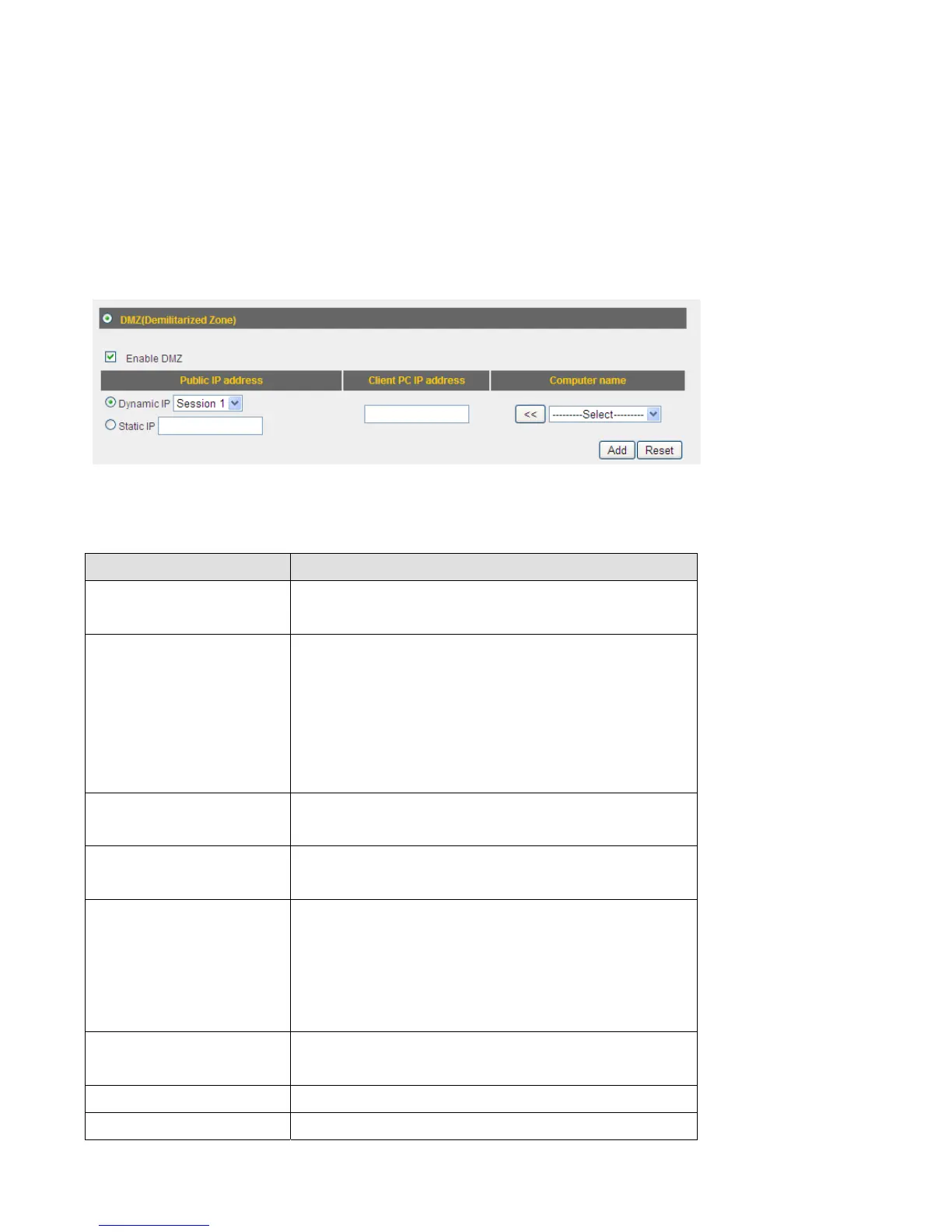
TheDMZsettingpagelookslikethis:
Herearedescriptionsofeverysetupitems:
ItemName Description
EnableDMZ CheckthisboxtoenableDMZfunction,
uncheckthisboxtodisableDMZfunction.
PublicIPaddress Youcanselect‘DynamicIP’or‘StaticIP’here.
Ifyouselect‘DynamicIP’,youhavetoselect
anInternetconnectionsessionfrom
dropdownmenu;ifyouselect‘StaticIP’,
pleaseinputtheIPaddressthatyouwantto
maptoaspecificprivateIPaddress.
ClientPCIPaddress PleaseinputtheprivateIPaddressthatthe
InternetIPaddresswillbemappedto.
Type Selectthetypeofconnect ion,TCPorUDP.If
you’renotsure,pleaseselect‘Both’.
PortRange Inputthestartingportnumberintheleftfield,
andinputtheendingportnumberintheright
field.Ifyouonlywanttoredirectasingleport
number,justfilltheportnumberintheleft
field.
Comment Pleaseinputanytexttodescribethismapping,
upto16alphanumer ical characters.
Add Addthemappingtoportforwardingtable.
Reset Removeallinputtedvalues.



 To Next Page