47
3‐1‐3RemoteManagement
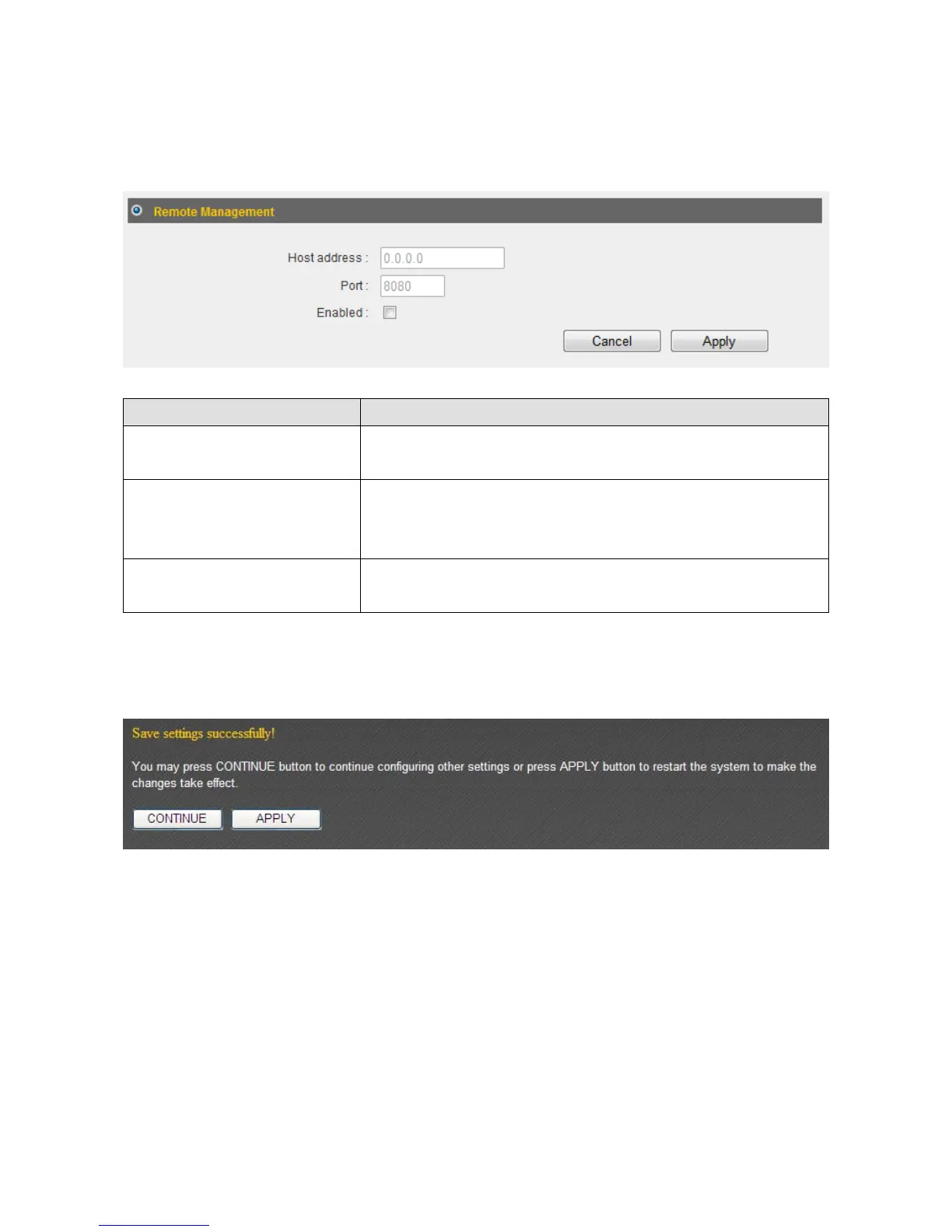
Settingupthe“RemoteManagement”functionallowsyoutomanagethisbroadband
routerfromoutsideyourlocalareanetwork(fromtheInternet).
ItemName Description
HostAddress AssignanIPaddresswithwhichtoaccessthisrouter
remotely.
Port Assignaportnumberwithwhichtoaccessthisrouter
remotely.Thedefaultvalueis“8080”.Youcanuse
anyintegerbetween1and65534.
Enabled Checkthisboxtoenablethe“RemoteManagement”
function.
Click“Apply”tosavethechanges.Afteryouhaveclicked“Apply”,youwillseethe
followingmessage:
Click“Apply”tosavethechangesandrestartthebroadbandrouter.Ittakesabout60
secondsforthebroadba ndroutertorestart.Click“Continue”toconfigureothersettings.



 To Next Page