133
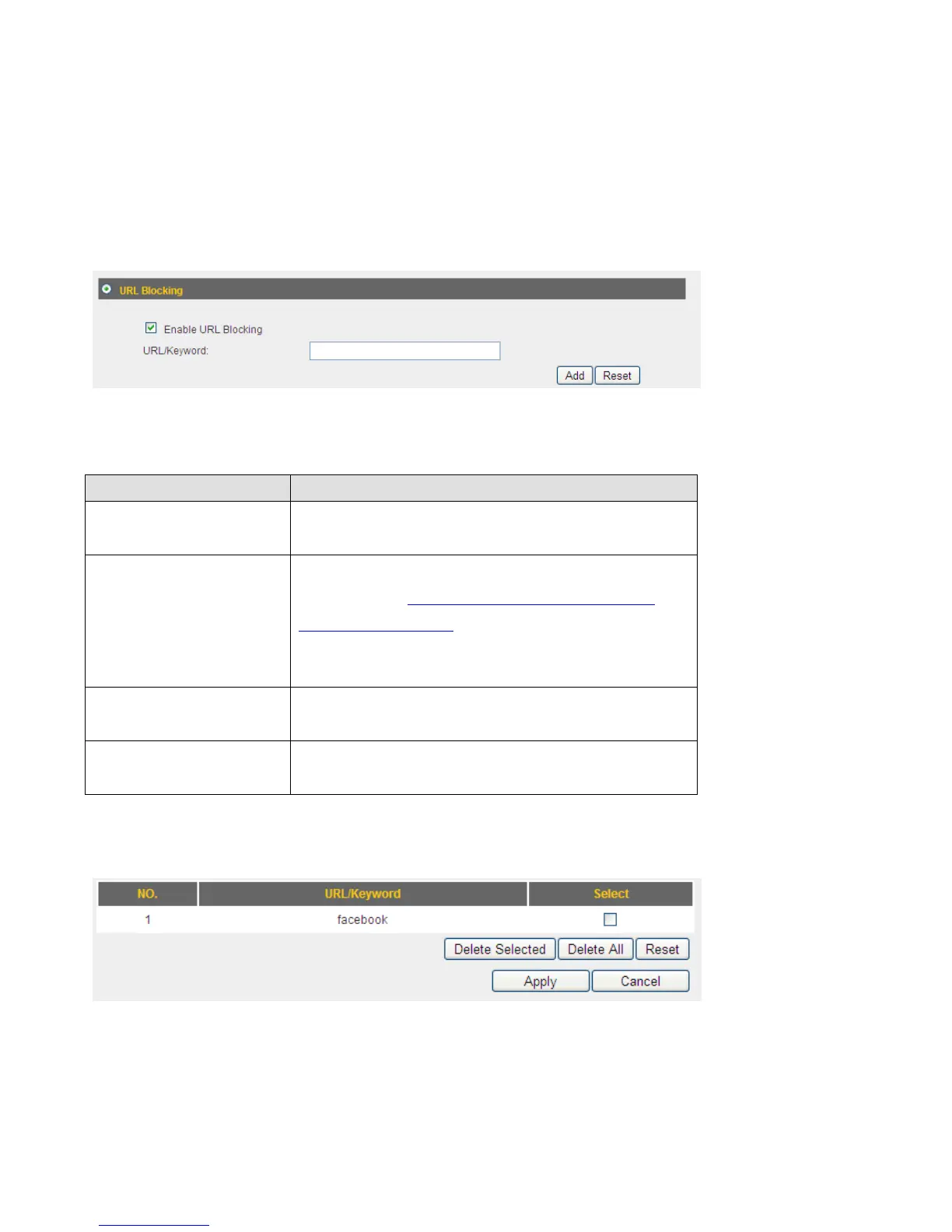
3‐8‐2URLBlocking
Ifyouwanttopreventcomputersinlocalnetworkfromaccessingcertainwebsite(like
pornography,violence,oranythingyouwanttoblock),youcanusethisfunctiontostop
computersinlocalnetworkfromaccessingthesiteyoudefinedhere.
Thisfunctionisusefulforparents
andcompanymanagers.
Herearedescriptionsofeverysetupitems:
ItemName Description
EnableURLBlocking CheckthisboxtoenforceURLBlocking,
uncheckittodisableURLBlocking.
URL/Keyword InputtheURL(hostnameorIPaddressof
website,likehttp://www.blocked‐site.com
or
http://11.22.33.44
),orthekeywordwhichis
containedinURL(likepornography,cartoon,
stock,oranything).
Add Click‘Add’buttontoaddtheURL/keywordto
theURL/Keywordfilteringtable.
Reset Click‘Reset’toremovethevalueyouinputted
inURL/Keywordfield.
AllexistingURLswillbedisplayedin‘CurrentURLBlockingTable’:
IfyouwanttodeleteaspecificURL/Keywordentry,checkthe‘select’boxoftheMAC
addressyouwanttodelete,thenclick‘DeleteSelected’button.(Youcanselectmorethan
oneURL/Keyword).IfyouwanttodeleteallURL/Keywordlistedhere,pleaseclick‘Delete
All’button,oryoucan
alsoclick‘Reset’buttontounselectallURL/Keywords.



 To Next Page