17
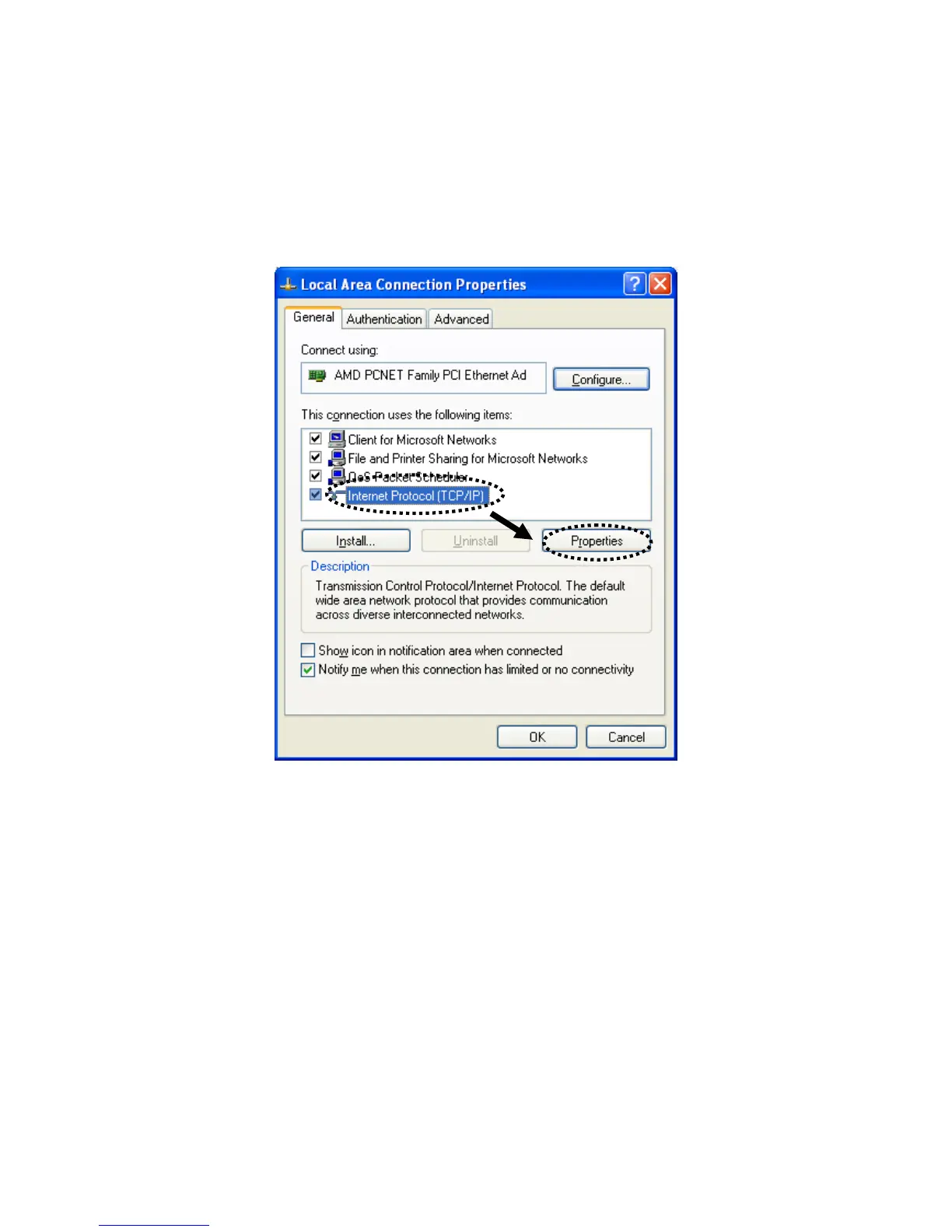
2‐2‐3WindowsXPIPaddresssetup
1. Clickthe“Start”button(itshouldbelocatedatthelower‐leftcornerofyour
screen),thenclick“ControlPanel”.Double‐clickthe“NetworkandInternet
Connections”icon,click“NetworkConnections”,thendouble‐click“LocalArea
Connection”.Whenthe“LocalArea
ConnectionProperties”windowappears,click
“Properties”.



 To Next Page