46
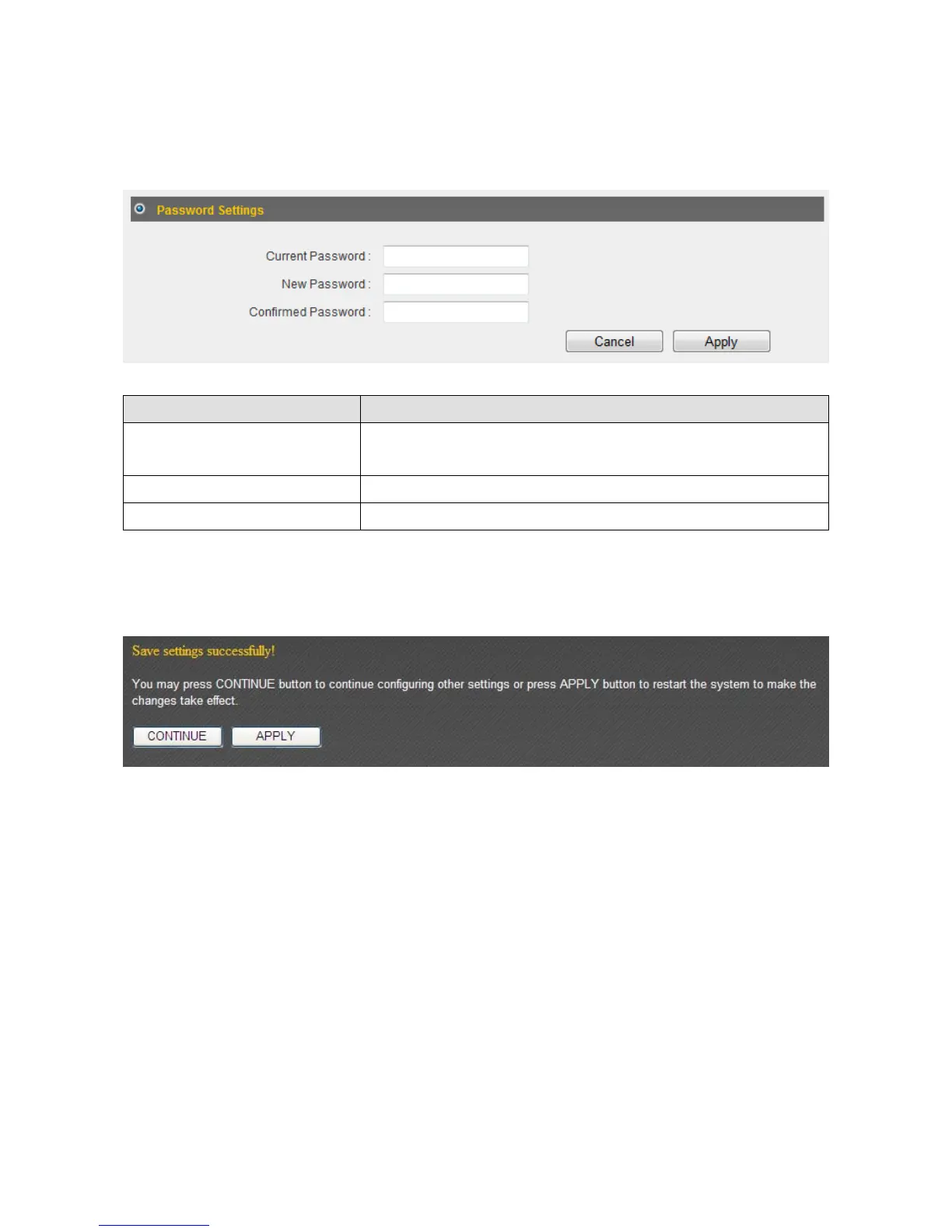
3‐1‐2PasswordSettings
Youcanchangetherouter’sdefaultloginpassword(“1234”)here.Itisadvisedtodoso
topreventothersfromloggingintoyourrouterwithoutpermission.
ItemName Description
CurrentPassword Inputthecurrentpasswordhere.Thedefaultvalueis
“1234”.
NewPassword Inputyournewpasswordhere.
ConfirmPassword Inputyournewpasswordagainforconfirmation.
Click“Apply”tosavethechanges.Afteryouhaveclicked“Apply”,youwillseethe
followingmessage:
Click“Apply”tosavethechangesandrestartthebroadbandrouter.Ittakesabout60
secondsforthebroadba ndroutertorestart.Click“Continue”toconfigureothersettings.



 To Next Page