128
Ifyouwanttodeleteaspecificstaticrouteentry,checkthe‘select’boxofthestaticroute
entryyouwanttodelete,thenclick‘DeleteSelected’button.(Youcanselectmorethanone
staticrouteentries).Ifyouwanttodeleteallstaticrouteentrieslistedhere,pleaseclick
‘Delete
All’buttonoryoucanalsoclick‘Reset’buttontounselectallstaticrouteentries.
Whenyoufinishedwiththesettingsinthispage,youcanclick‘Apply’buttontosave
changesyoumadeinthispage,oryoucanclick‘Cancel’todiscardchanges.Afteryouclick
‘Apply’button,
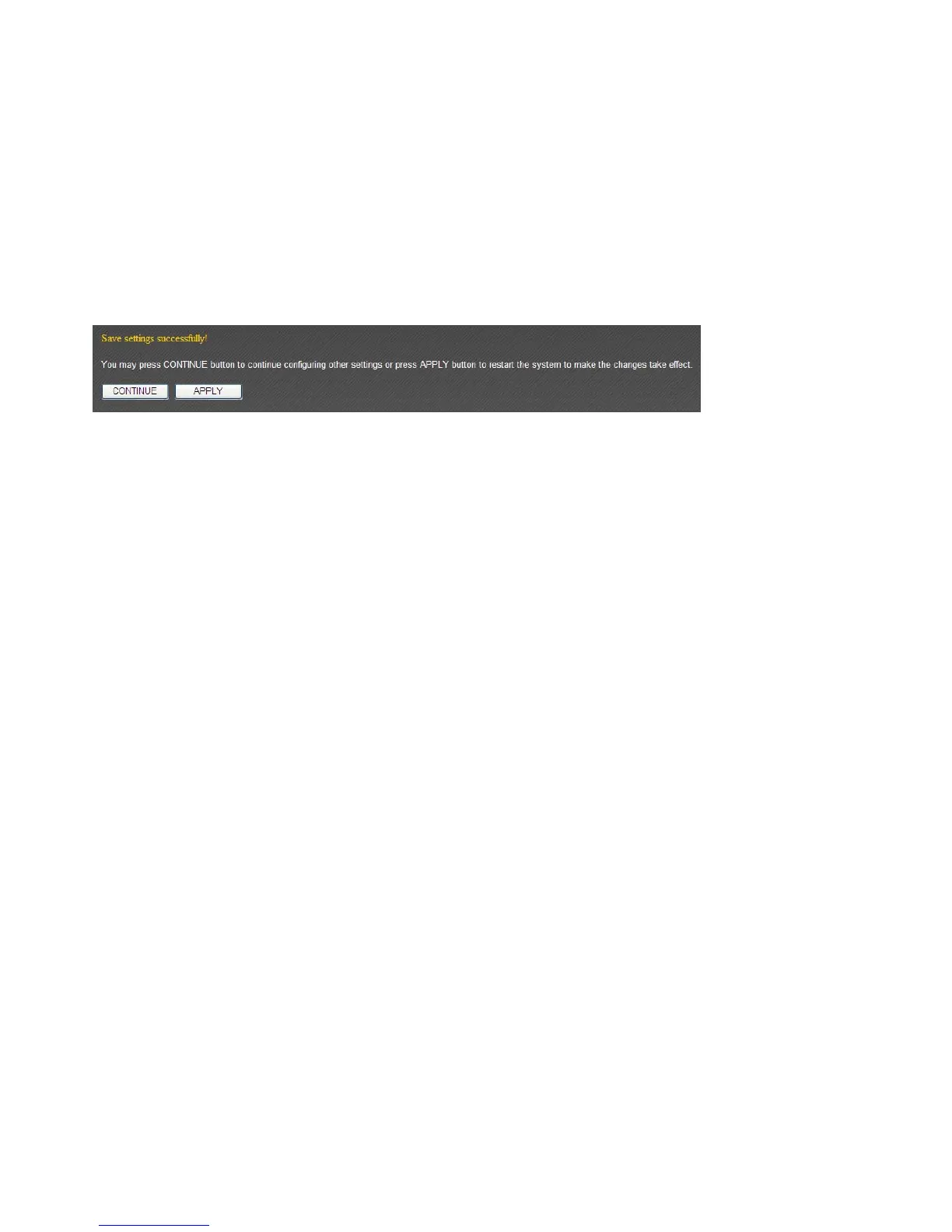
you’llseethefollowingmessages:
Pleaseclick‘Apply’tosavechangesyoumade andrestartthebroadbandrouter,this
requiresabout60secondsandthebroadbandrouterwillstopresponding(thisisnormal
andisnotmalfunction).Youcanreconnecttothisbroadbandrouterandcontinueonother
settingslater.



 To Next Page