130
Comment Youcaninputanytexthereasthecommentofthis
MACaddress,like‘ROOM2AComputer’oranything.
Youcaninputupto16alphanumericalcharacters
here.Thisisoptionalandyoucanleaveitblank,
however,it’srecommendedtousethisfieldtowritea
commentforevery
MACaddressesasamemoryaid.
Add Click‘Add’buttontoaddtheMACaddressand
associatedcommenttotheMACaddressfiltering
table.
Reset Removeallinputtedvalues.
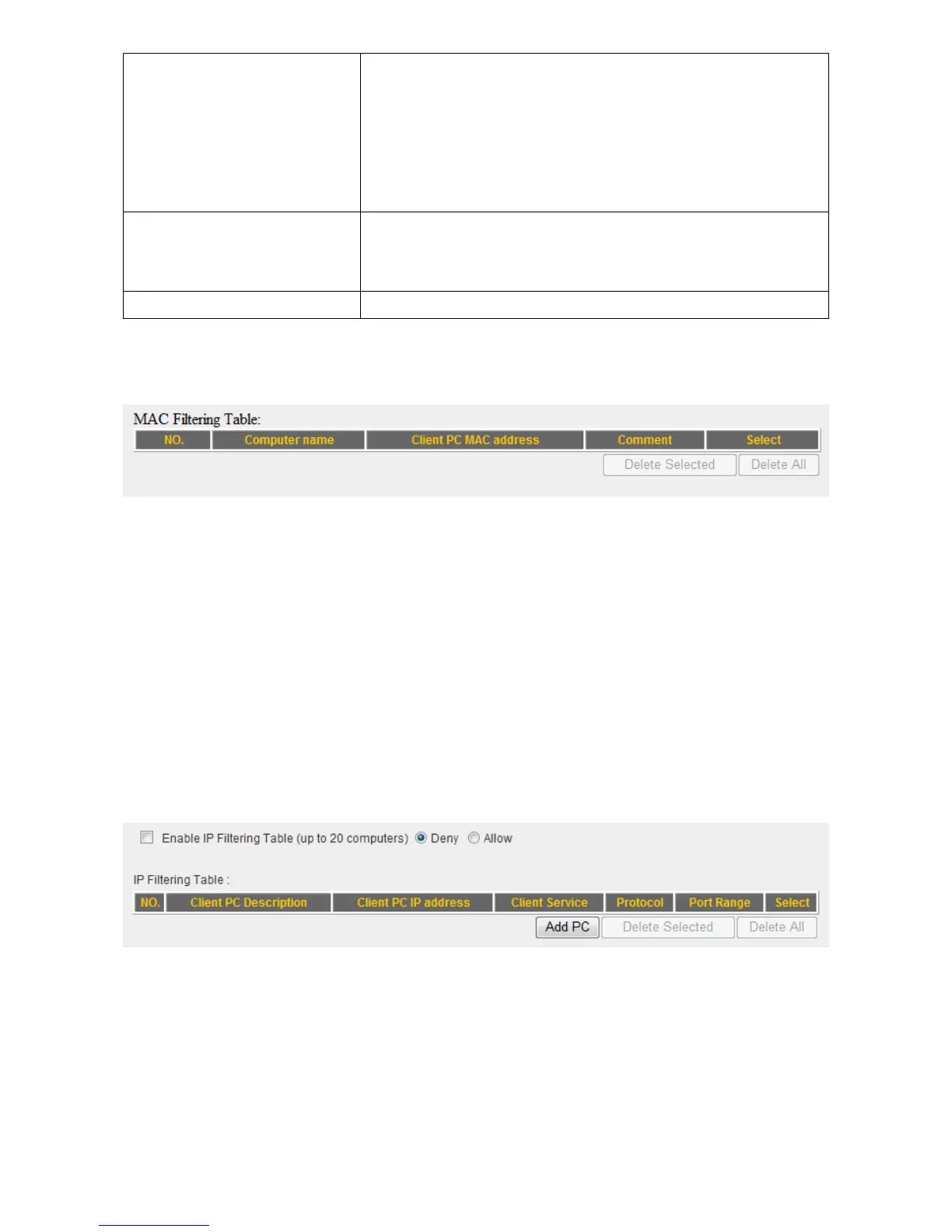
AllMACaddressentrieswillbelistedinthispage:
Todeleteoneormoreentrieslistedhere,pleasechecktheboxofthemappingentry
(under‘Select’),andclick‘DeleteSelected’button.
Ifyouwishtodeleteallmappingentries,click‘DeleteAll’button.Todeselectallchecked
boxes,click‘Reset’button.
Youcanrestrictcomputersinthenetwork
fromaccessingspecifiedwebsitesorfromusing
specifiedapplicationswithaccesscontrol.
IfyouwishtouseIPaddress‐basedfiltering,pleaseuse‘IPFilteringTable’inthispage:
Pleasecheck‘EnableIPFilteringTable’boxfirst,andselect‘Deny’or‘Allow’todecidethe
behaviorofIPfilteringtable(DenytheaccessofIPaddressesinthelist,orallowtheaccess
ofIPaddressesinthelist).Youhavetoclick‘AddPC’buttontoadda
newIPaddressto the
list:



 To Next Page