22
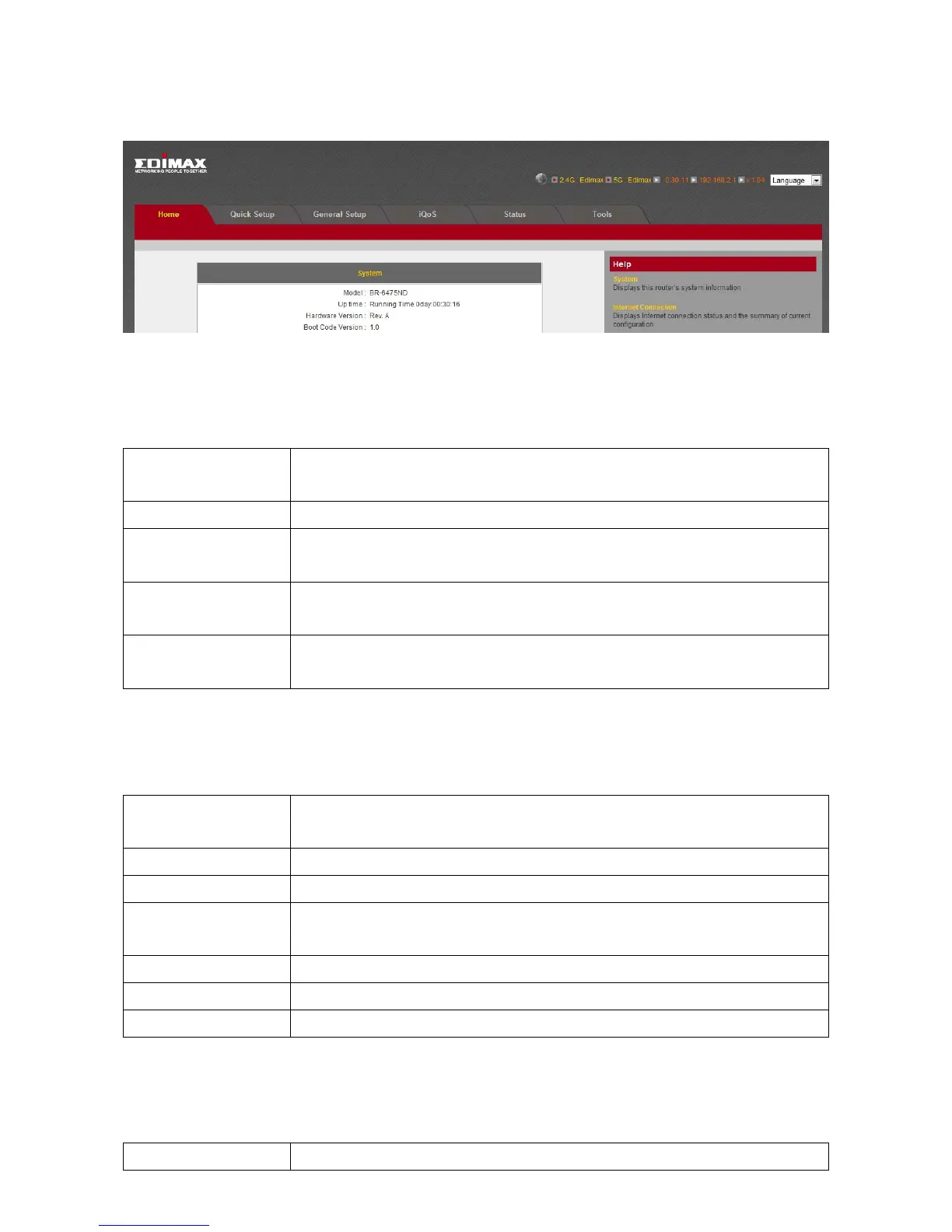
4. Thefirstpageyouseeafterlogginginis“Home”.Youcanseeallthecurrent
settingsandothersysteminformationhere.
System
Model Displaysthisbroadbandrouter’smodelname(usefulwhen
youneedtechnicalservice)
UpTime Displaystheamountoftimethisrouterhasbeenswitchedon
HardwareVersion Displaysthisbroadbandrouter’shardwareversion(useful
whenyouneedtechnicalservice)
BootCode
Version
Displaysthisbroadbandrouter’sbootcodeversion(useful
whenyouneedtechnicalservice)
RuntimeCode
Version
Displaysthisbroadbandrouter’sruntimecodeversion(useful
whenyouneedtechnicalservice)
InternetConnection
IPAddressMode DisplayshowthisbroadbandroutercurrentlyobtainsIP
addresses
IPAddress DisplaystheIPaddressoftheWANconnection
SubnetMask DisplaysthesubnetmaskoftheWANconnection
DefaultGateway DisplaystheIPaddressoftheWANconnection’sdefault
gateway
MACAddress DisplaysthephysicaladdressoftheWANport
PrimaryDNS DisplaystheIPaddressofthefirstDNSserver
SecondaryDNS DisplaystheIPaddressofthesecond(backup)DNSserver
WirelessConfiguration
Mode Displaystheoperationmodeofthewirelessaccesspoint



 To Next Page