33
automatically.
DNSAddress Select“UsethefollowingIPaddress” ifyourISPrequiresthat
youdoso.
DNSAddress1
and2
EntertheprimaryandsecondaryDNSaddressesassignedby
yourISPhere.
EnableDual‐WAN
Access
Checkthe“EnableDual‐WANAccess” boxifyourISPrequires
youtodoso.
NOTE:ThesesettingsmustbeconfiguredaccordingtoyourInternetservice.Please
contactyourInternetserviceproviderifyouarenotsurewhat to select.
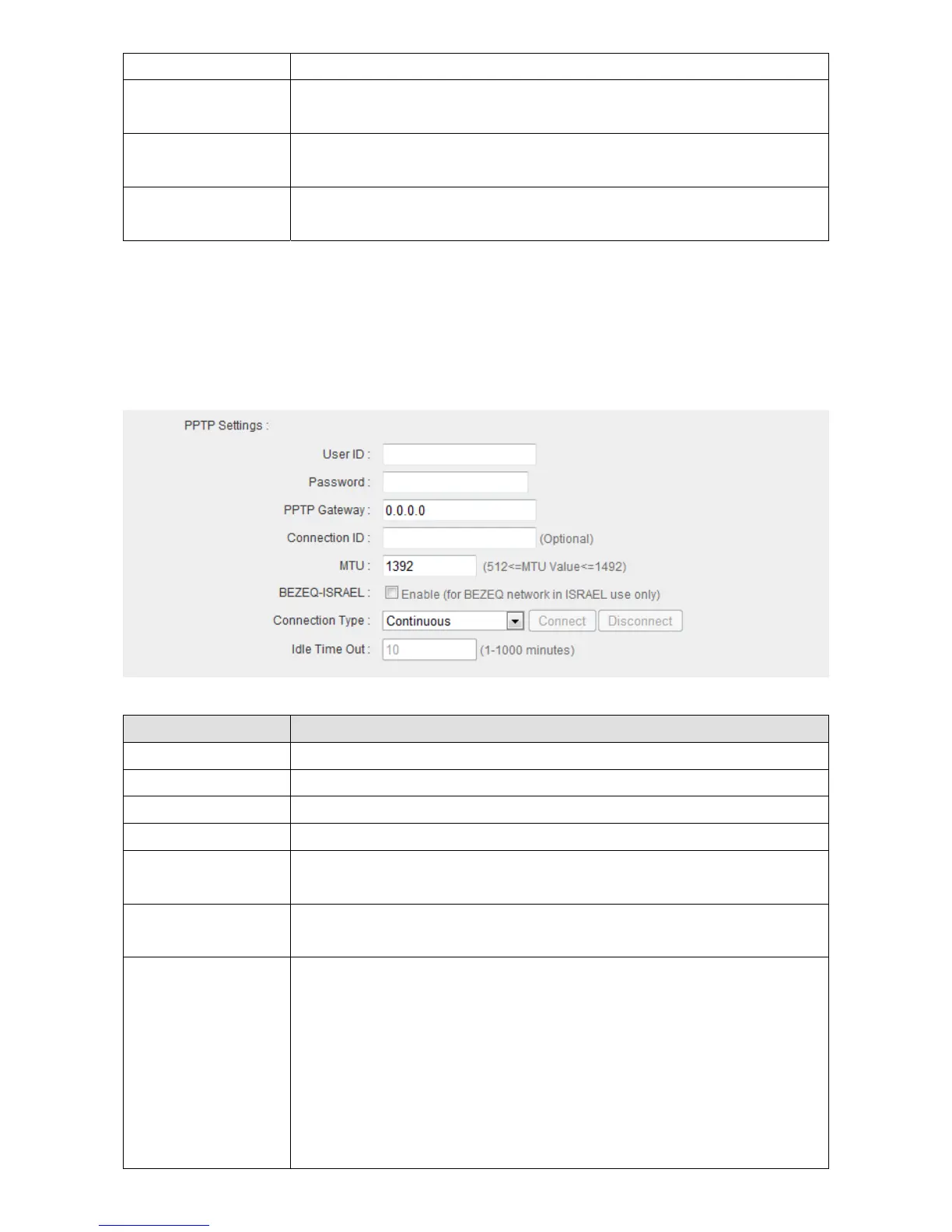
3. Configurethe“PPTPSettings”section.
ItemName Description
UserID InputtheusernameassignedbyyourISPhere.
Password InputthepasswordassignedbyyourISPhere.
PPTPGateway InputthePPTPgatewayassignedbyyourISPhere.
ConnectionID Givethisconnectionaname(optional).
MTU InputtheMTUvalueofyournetworkconnectionhere.Ifyou
donotknow,usethedefaultvalue.
BEZEQ‐ISRAEL Checkthe“Enable”boxifyouareinIsraelandusingBEZEQ
networkservices.
ConnectionType Pleasespecifyaconnectiontypehere.Thereare3options:
1. “Continuous”keepstheInternetconnectionaliveallthe
time.
2. “ConnectonDemand”onlyconnectstotheInternetwhen
youinitiateInternetconnection.
3. “Manual”connectstotheInternetonlywhenthe
“Connect”buttononthispageis
clicked,anddisconnects



 To Next Page