72
ChannelNumber Selectachannelfromthedropdownmenu.Both
accesspointsmustusethesamechannel(1to13).
MACAddress1 InputtheMACaddressofthewirelessaccesspoint
withwhichyouwishtoconnect.
WirelessModule Select“Enable”toturnonthe2.4GHzwireless
signalandselect“Disable”toturnitoff.
Click“Apply”tosavethechanges,orclick“Cancel”todiscardthechanges.Afteryou
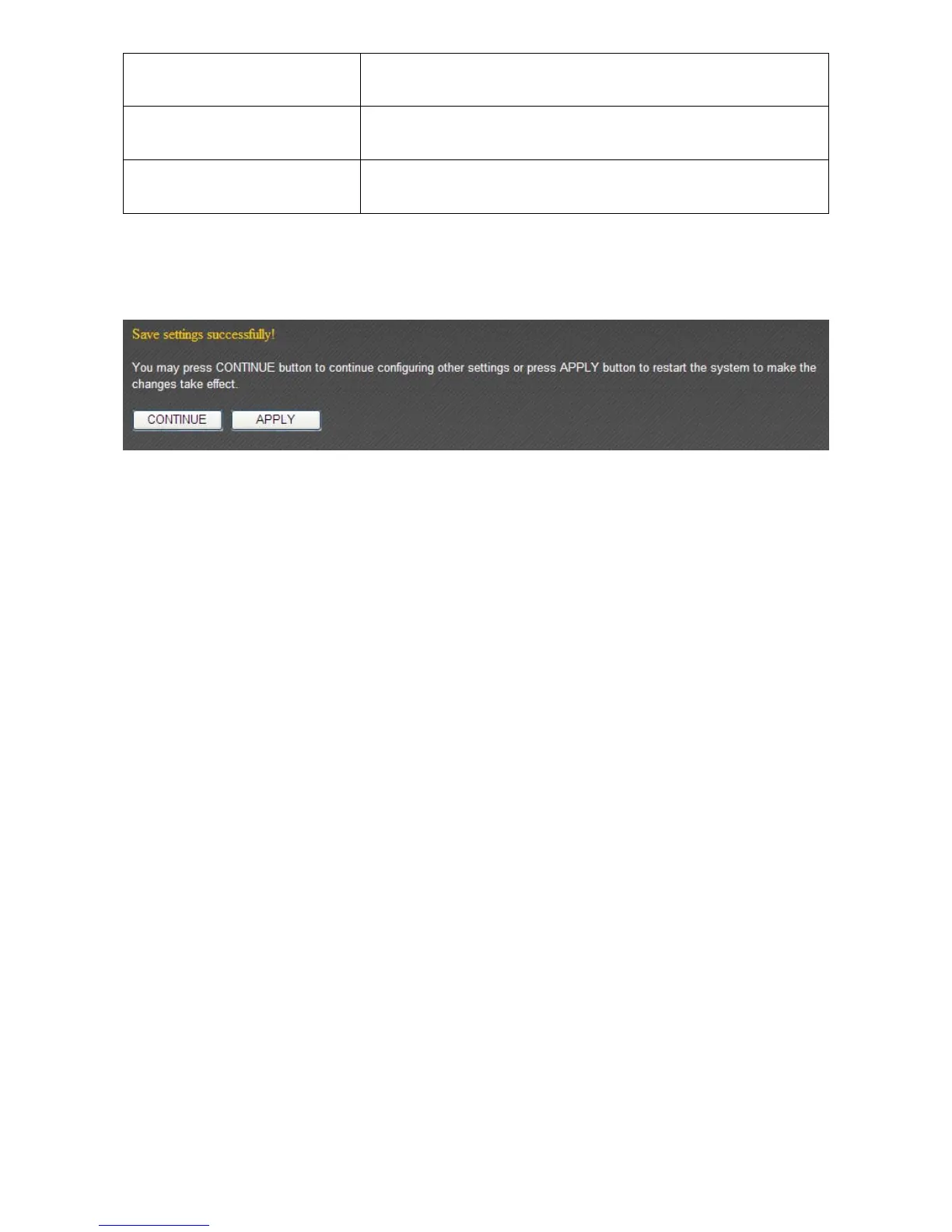
haveclicked“Apply”,youwillseethefollowingmessage:
Click“Apply”tosavethechangesandrestartthebroadbandrouter.Ittakesabout60
secondsforthebroadba ndroutertorestart.Click“Continue”toconfigureothersettings.



 To Next Page