Printer Setup
Document ID: OMM-00165 Rev. C Pro 32r Operations Guide 103
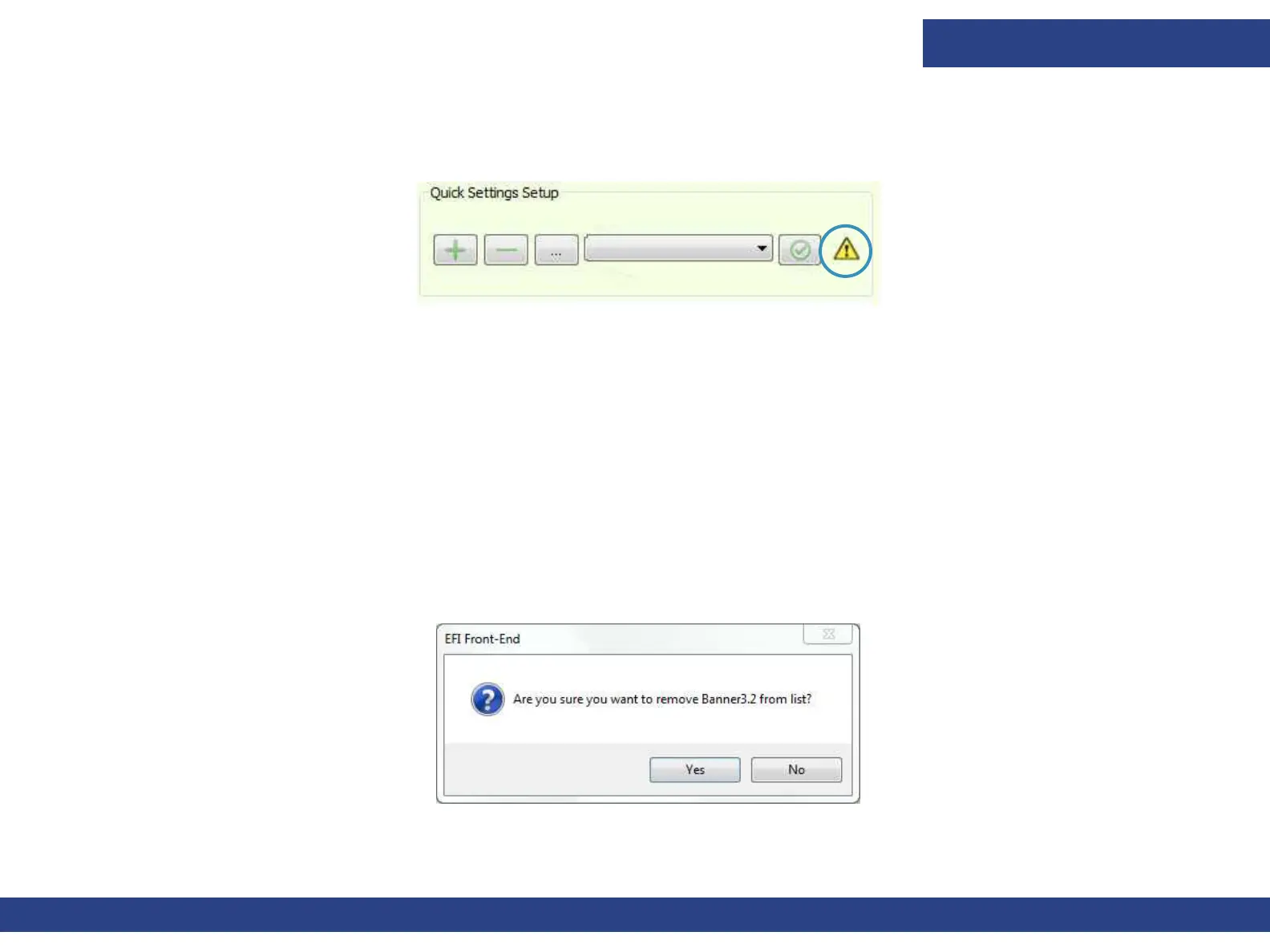
5.5.2.4 Warning Symbol
The yellow warning symbol appears when there is a difference between the selected media’s
printer settings and the
current printer settings.
Figure 5-36 : Quick Setting Warning Symbol
• If you want to revert to the original settings, choose Apply.
• If you wish to save the current settings of this media, choose Edit. The Quick Settings Setup dialog box appears.
• Choose the Fetch button to replicate the current printer settings, and then choose OK.
5.5.3 Importing/Exporting All Media Settings
1. To export all the stored media settings, choose File > Export > Quick Settings.
2. The software creates a ZIP file named QuickSettingsReport.qs, in the selected
directory. (qs is a special extension.) The ZIP file
contains an XML file for each media type.
3. To import settings to the machine from a .qs file, choose File > Import > Quick Settings.
A prompt appears for each media currently defined on the Printer and
prompts you to choose accordingly. Media that are not in the list will
be added.
4. Choose Yes to replace the existing file, or No to cancel the procedure.
Figure 5-37 : Confirmation Prompt



 To Next Page