Printer Setup
Document ID: OMM-00165 Rev. C Pro 32r Operations Guide 102
5.5.2.3 Edit Media Setting
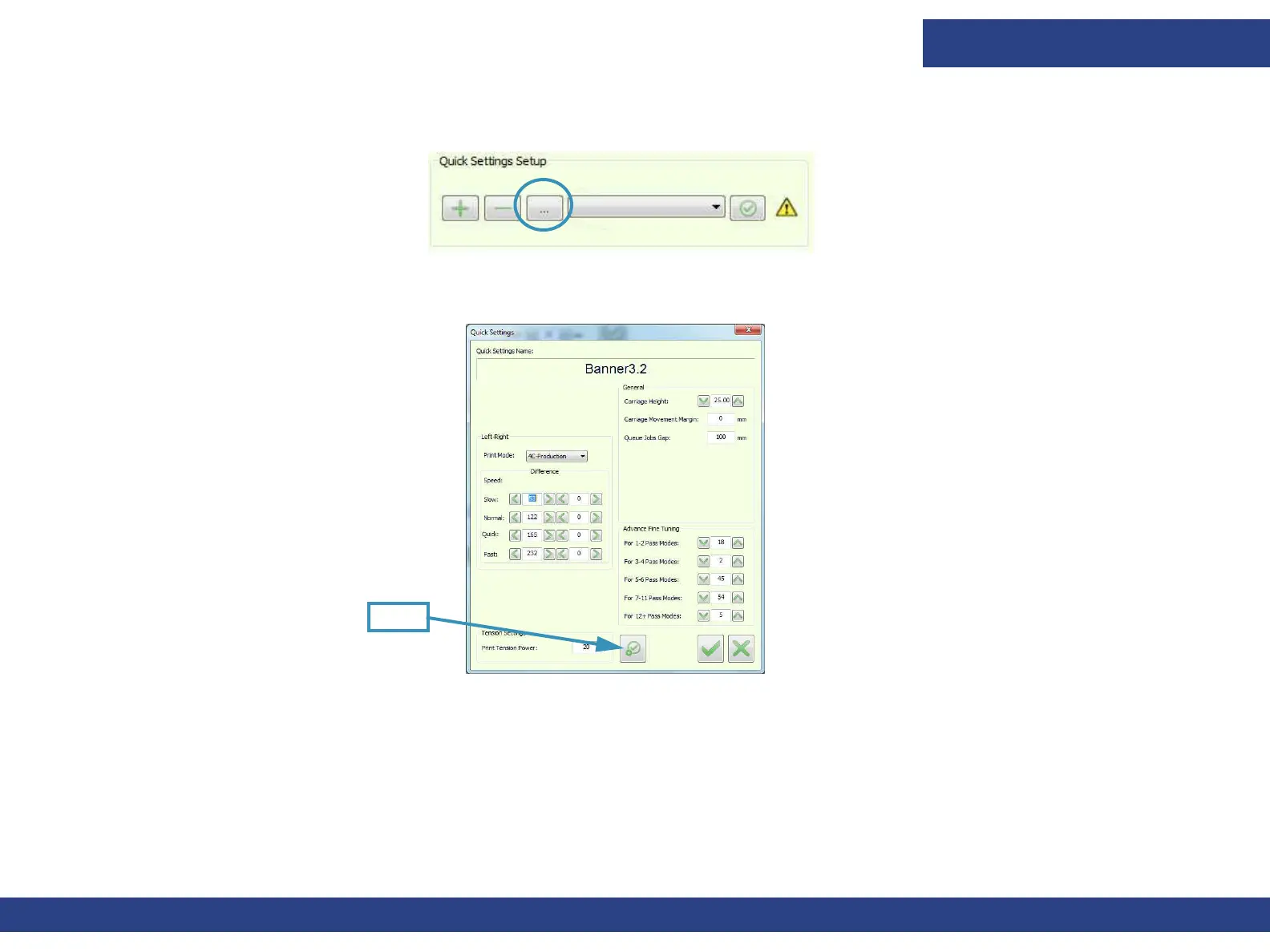
1. In the Quick Setup group, select the media you wish to remove and choose Edit (ellipsis) button.
Figure 5-34 : Quick Setup “Edit” Button
The Quick Settings dialog box appears, showing the settings that belong to the specified media.
2. Make changes in the dialog box or choose Fetch.
The Fetch button sources the current printer settings and replicates them for the media’s settings.
3. Choose OK to save changes.
Figure 5-35 : Quick Settings Dialog Box
Fetch



 To Next Page