Printer Setup
Document ID: OMM-00165 Rev. C Pro 32r Operations Guide 101
5.5.2.2 Remove Item from Media List
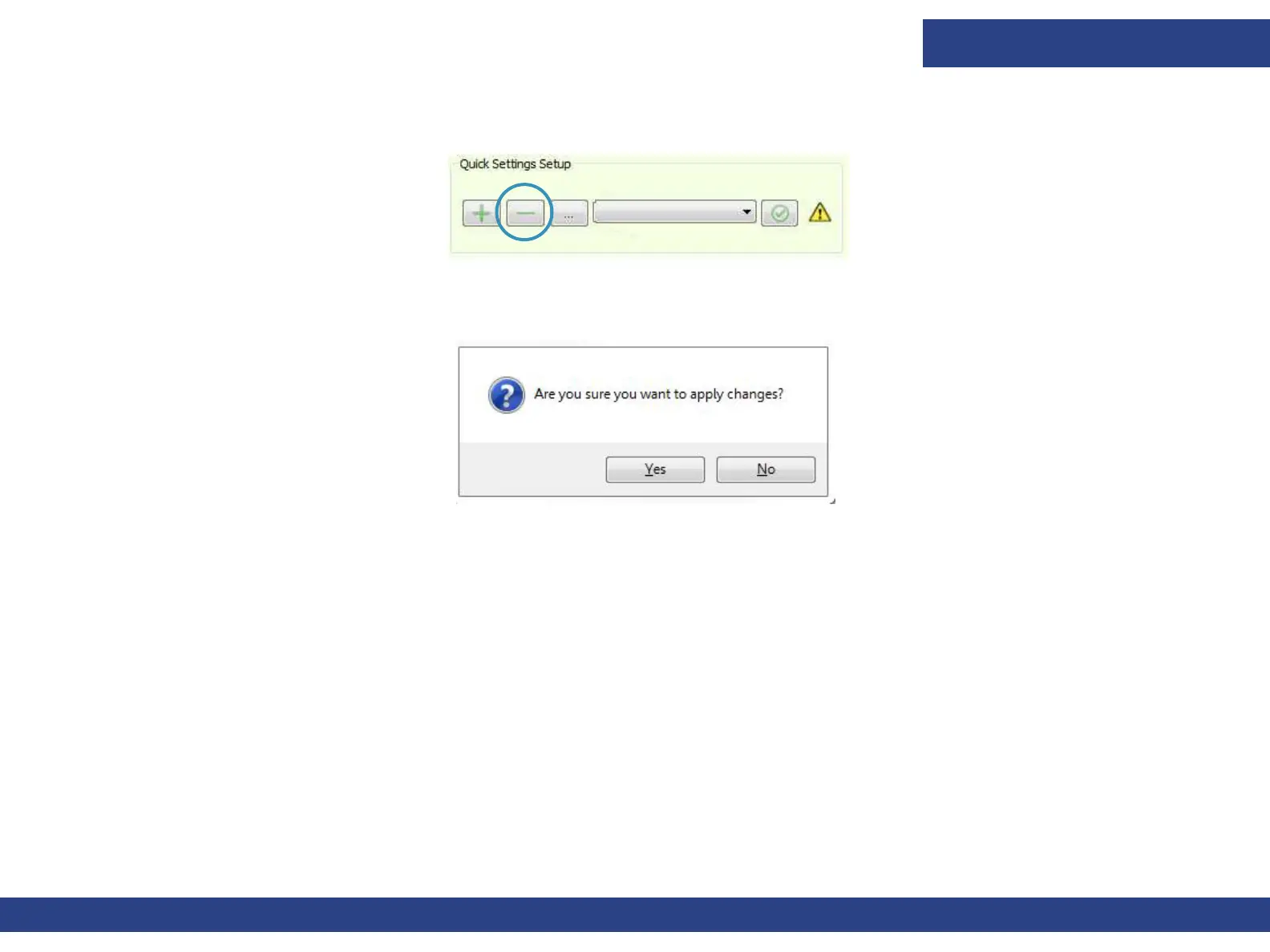
1. In the Quick Setup group, select the media you wish to remove and choose Remove.
Figure 5-32 : Quick Setup “Remove” Button
The following prompt appears.
2. Choose Yes.
The settings for the selected media are removed.
Figure 5-33 : Deletion Confirmation Prompt



 To Next Page