Printer Setup
Document ID: OMM-00165 Rev. C Pro 32r Operations Guide 100
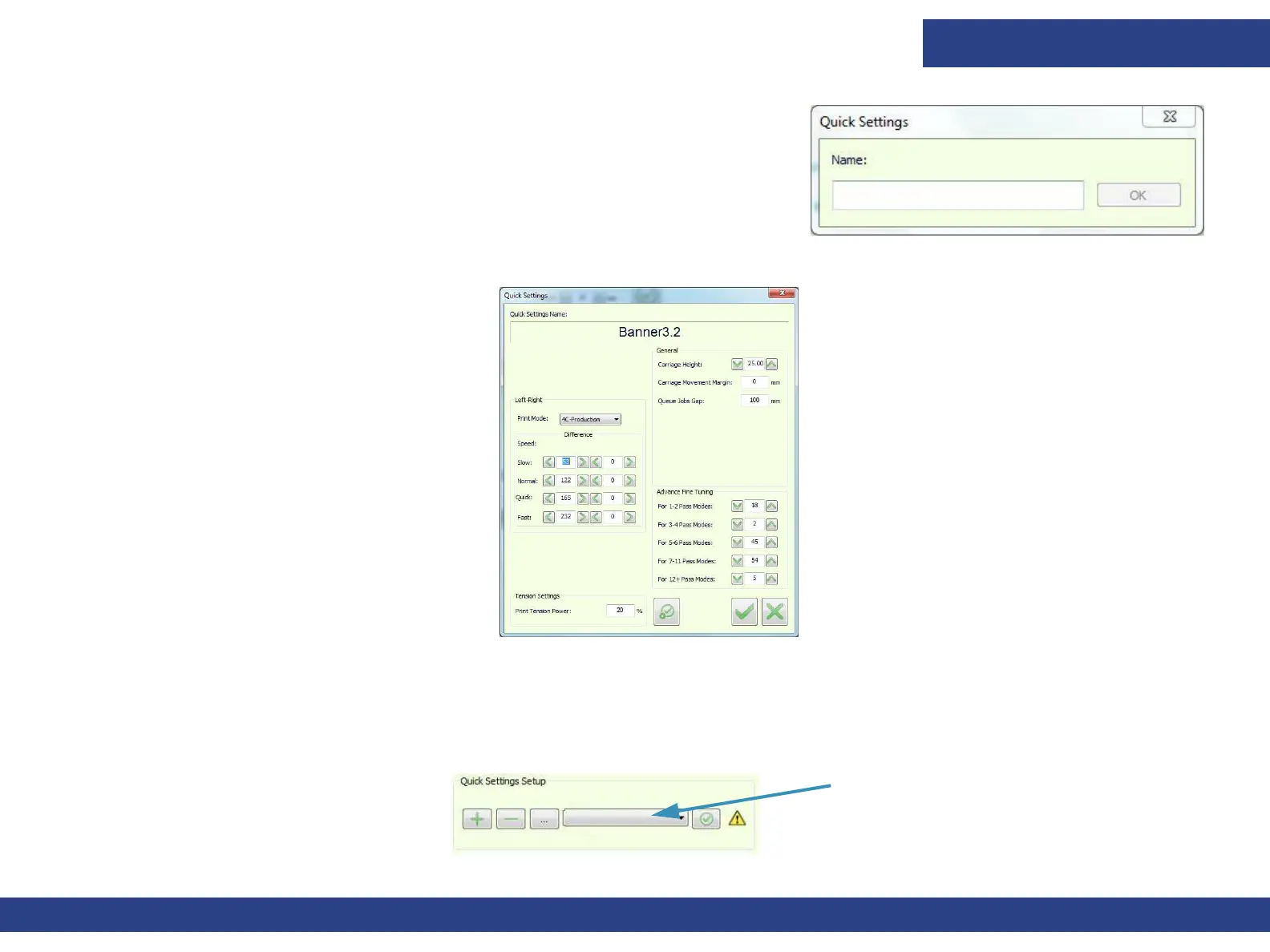
2. After choosing all the required settings, choose the Add button to open the
Name dialog.
3. Enter the media’s name and choose OK.
4. Choose OK to save the settings. The media
name appears in the Quick Settings drop-down list.
5. To apply quick settings, select the defined media type from the list and choose Apply.
The printer is now set up.
Figure 5-30 : Quick Settings Dialog Box
Figure 5-31 : Quick Settings Dialog
List of media types with quick
setting definitions



 To Next Page