Double-sided Printing
Document ID: OMM-00165 Rev. C Pro 32r Operations Guide 153
7.2.4 Backlit - Head-to-Tail - Print Side A
1. Load suitable media onto the printer.
2. Perform Measure Media and prepare the printer to print.
Figure 7-16
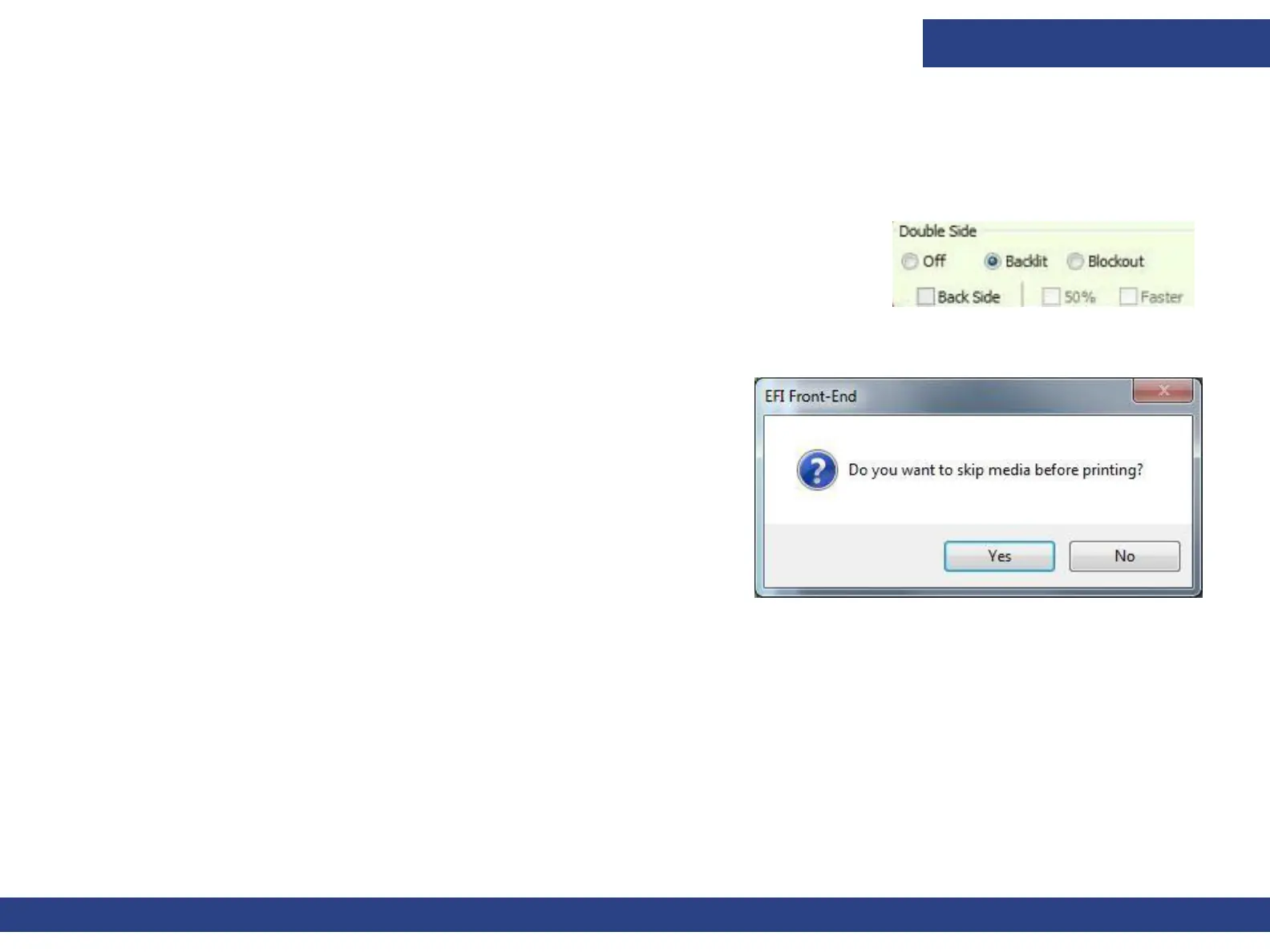
3. In the EFI FE, add the mjob to the Queue. In the Job Settings dialog’s Double Side
group box, select the Backlit option.
4. Start printing Side A.
NOTE: Make sure that the media is collected properly on the front shaft.
5. When you choose Print, the Skip Media prompt appears.
Figure 7-17



 To Next Page