In-line Finishing
Document ID: OMM-00165 Rev. C Pro 32r Operations Guide 168
6. Open the cover, attach required number of slitters according to
marks, and push handle towards printer to fasten them in place.
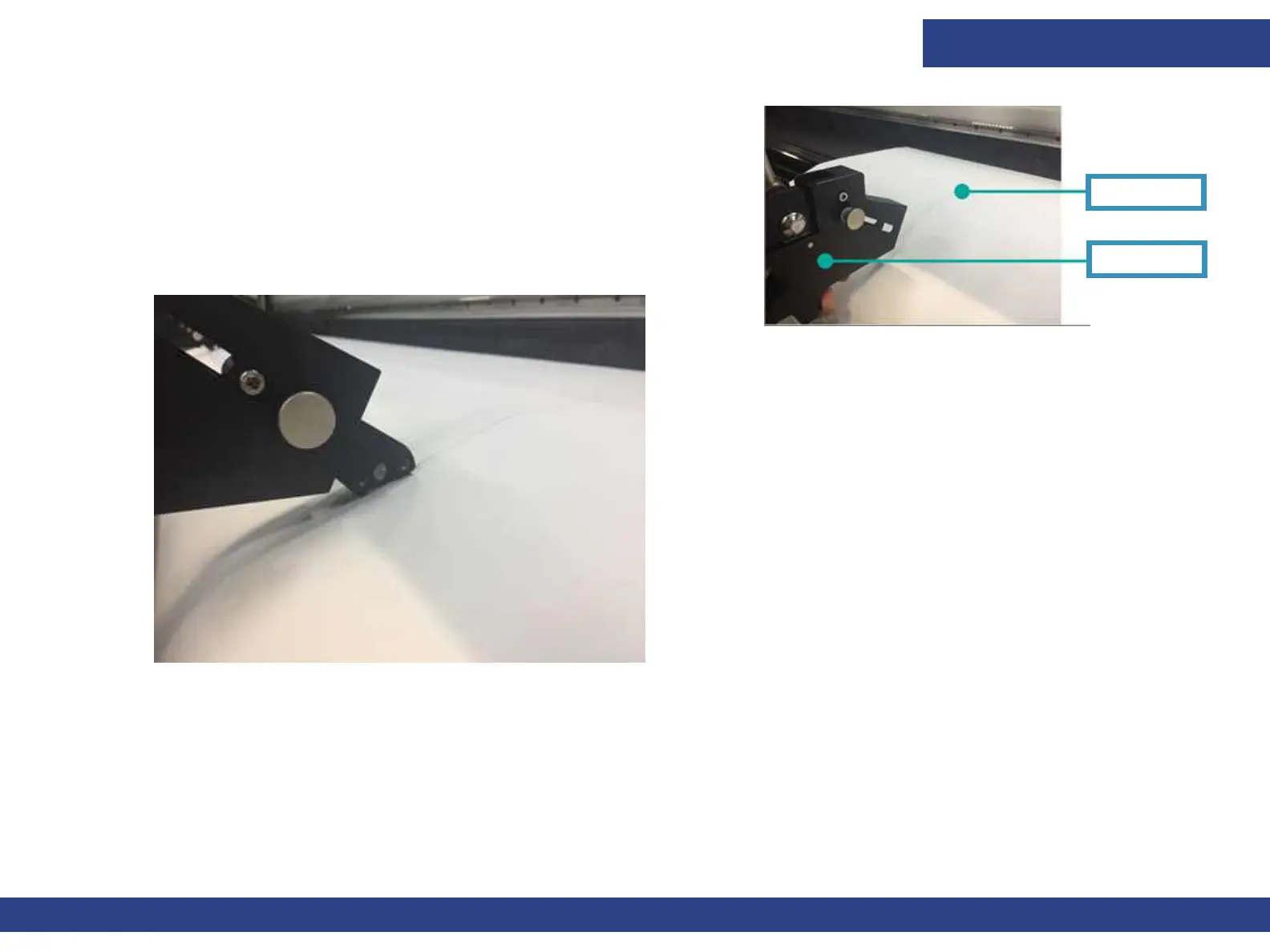
7. To activate the slitter blade, extend the blade. The blade should
penetrate the media.
8. Close the cover and continue printing.
9. To release the slitter at the end of the session, retract the blade and pull the handle.
8.1.2 Waste Media
Collect the waste media or allow it to fall freely at the front of the printer and collect only the net print.
Figure 8-5
Slitter Mark
Slitter
Figure 8-6



 To Previous Page