Printer Setup
Document ID: OMM-00165 Rev. C Pro 32r Operations Guide 86
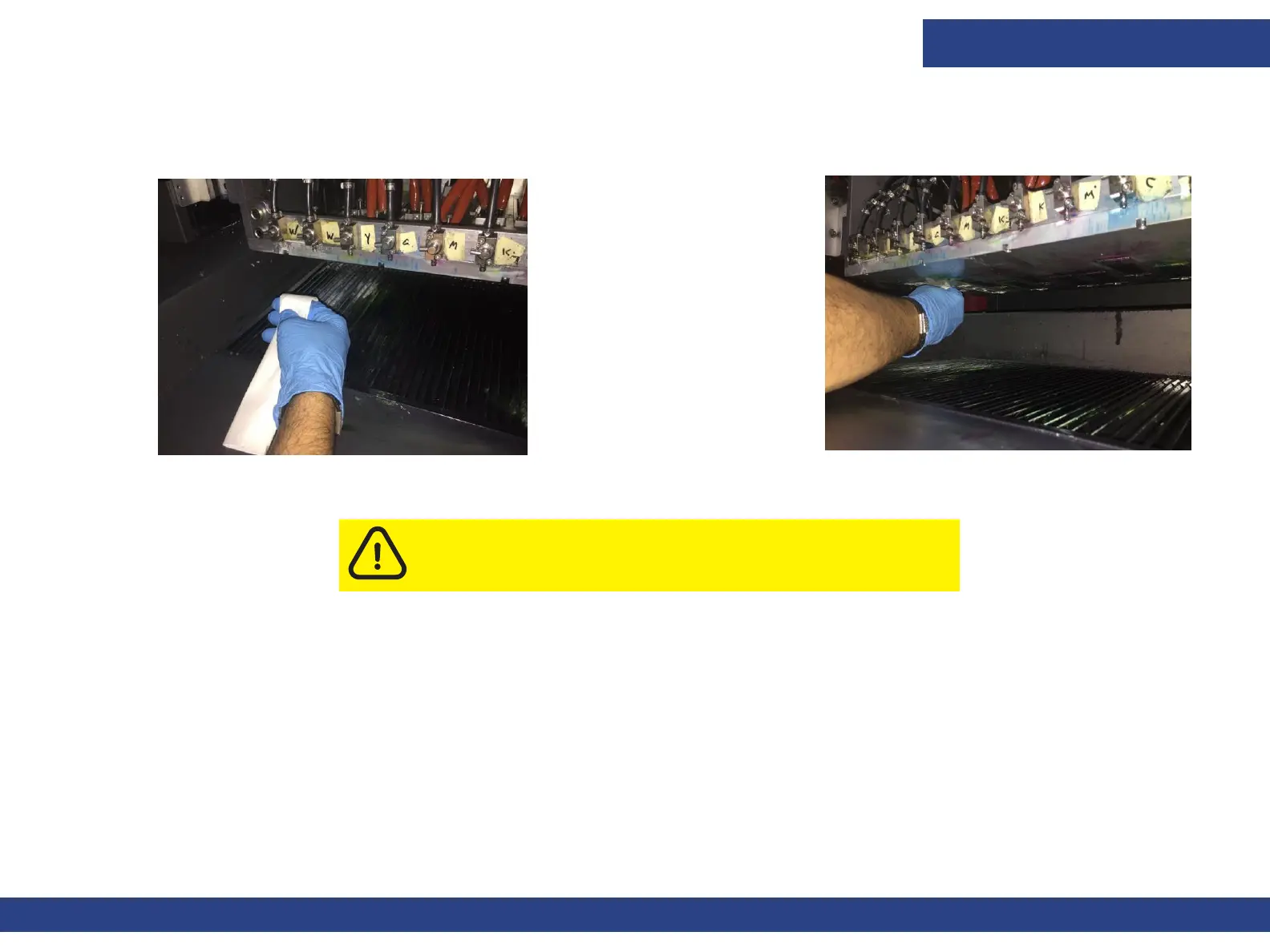
1. Remove any ink that has accumulated on the print heads, using fiber-free wipes (only). When using the wipes, pass them over the
nozzles once and then use a clean part of the wipe to repeat the process.
Caution: Only use fiber-free wipes to clean the nozzles.
Figure 5-13 : Wipe Print Heads
Figure 5-14 Hold Folded Wipe



 To Next Page