Printer Setup
Document ID: OMM-00165 Rev. C Pro 32r Operations Guide 87
5.3.3 Nozzle Test
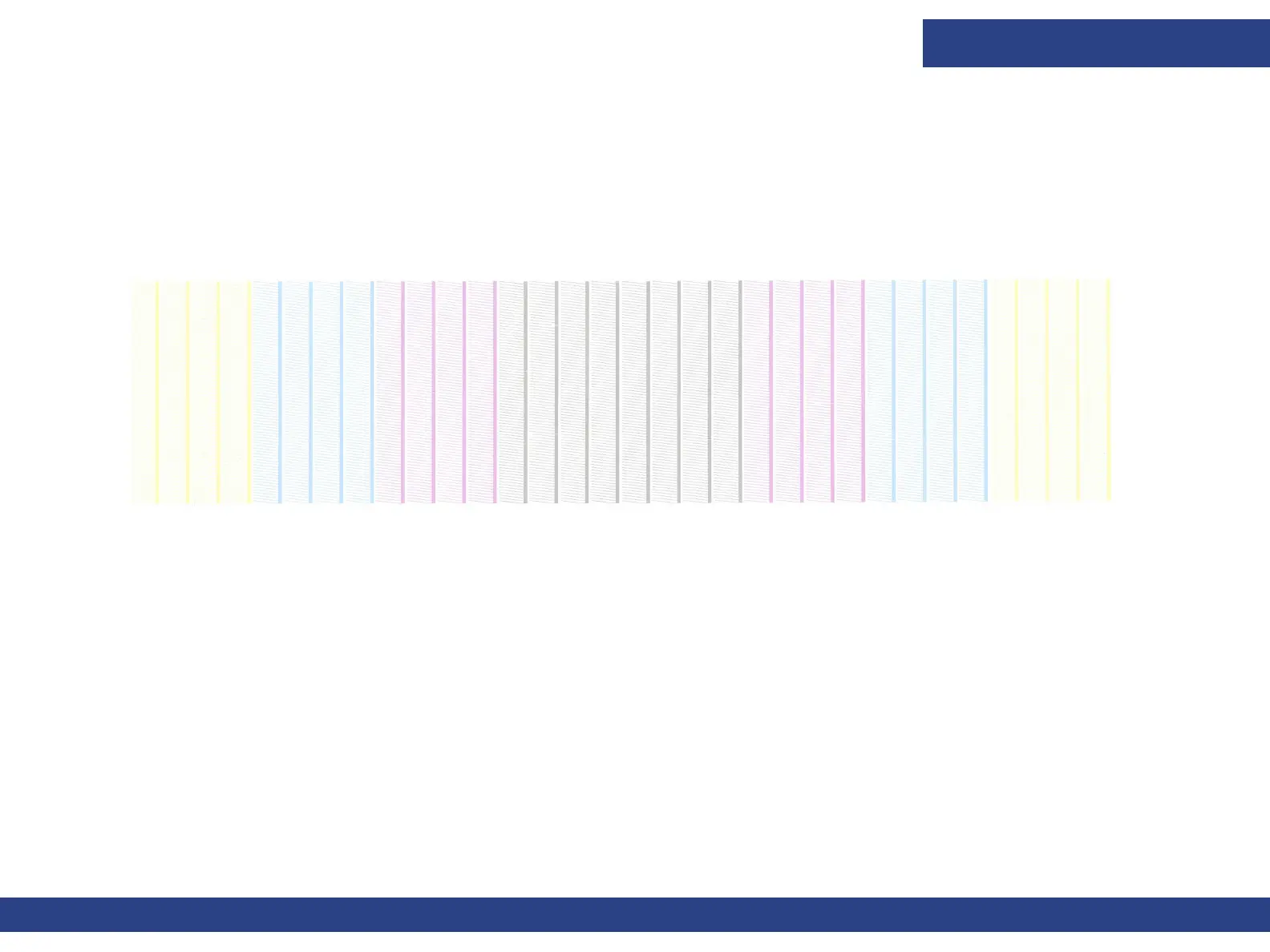
Carry out a nozzle test to check that all the nozzles are clear of any obstruction and that the ink is passing through them.
1. Conduct the nozzle test from the Nozzle Test group on the Front-end window’s control panel.
2. In the Step Offset To The Right field, select the required offset for the nozzle test on the media.
3. Choose Print Nozzle Test. The nozzle test is printed. (See samples on following pages.)
Figure 5-15 : Nozzle Test with No Missing Data



 To Next Page