20
CONNECTING THE POWER CABLE
Connect the power cable (black) and the AC adapter. Connect the AC adapter to the DC IN
5V terminal in the rear panel of the TX-1 as shown in the connection diagram above. Then
connect the power cable (black) to the outlet.
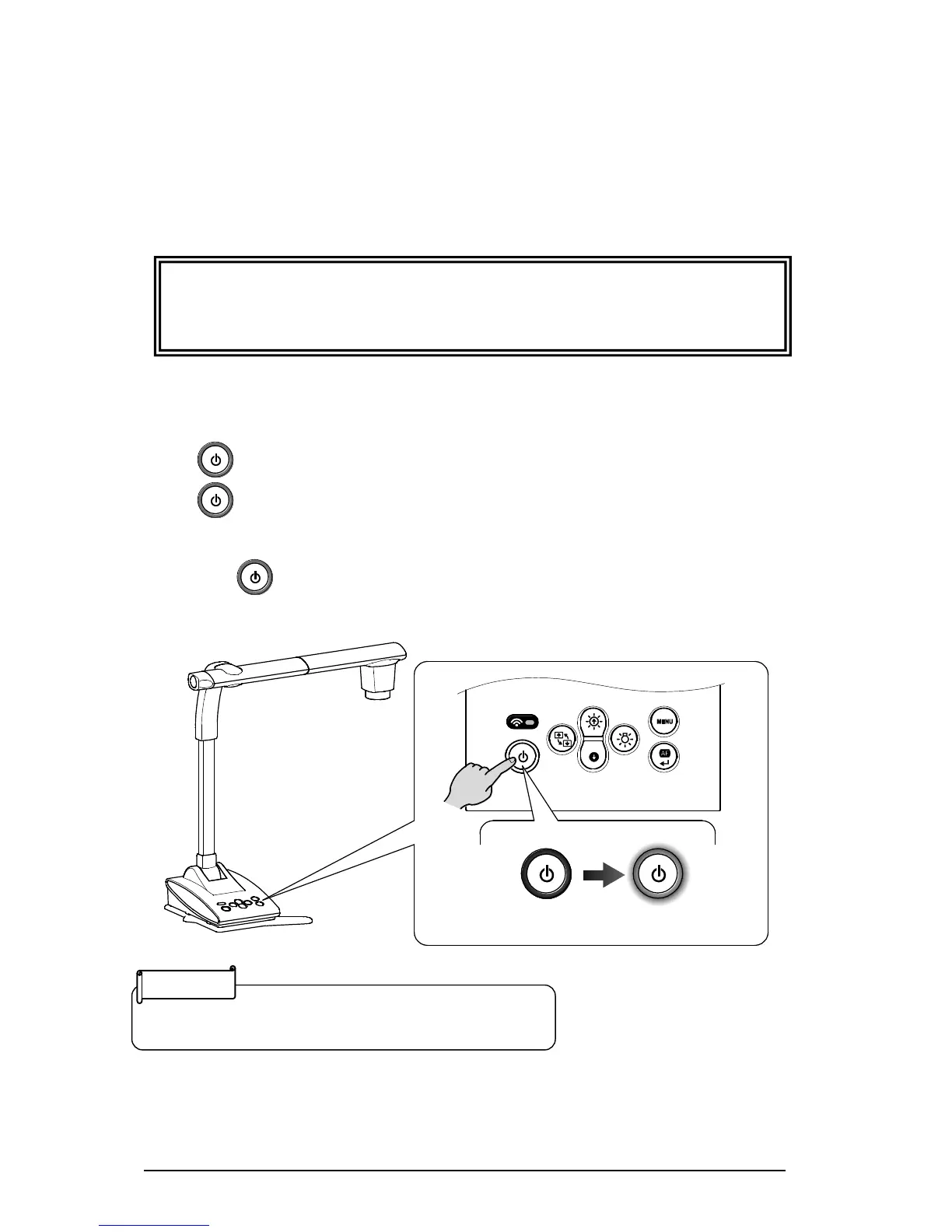
■TURNING THE POWER ON/OFF
The [ ] button turns red when the power cable (black) is connected to the outlet.
The [ ] button turns purple (Approximately 20 seconds) when this button is pressed.
The image appears on the screen when the color changes to blue.
Press the [ ] button to turn off the TX-1. Then disconnect the power cable (black) from
the outlet.



 To Next Page